


StudioMonitorsMixing


Pro Gear Advisers
•866-498-7882
Guitars
Guitars
Amps & Effects
Amps & Effects
Used & Vintage
Keyboards & MIDI
Keyboards & MIDI
Drums
Drums
DJ Equipment
DJ Equipment
Basses
Basses
Recording
Recording
Live Sound
Live Sound
Accessories
Accessories
Mics & Wireless
Mics & Wireless
Music Software
Music Software
Lighting
Lighting
- Popular Brands
Band & Orchestra
Band & Orchestra
Platinum Gear
Deals
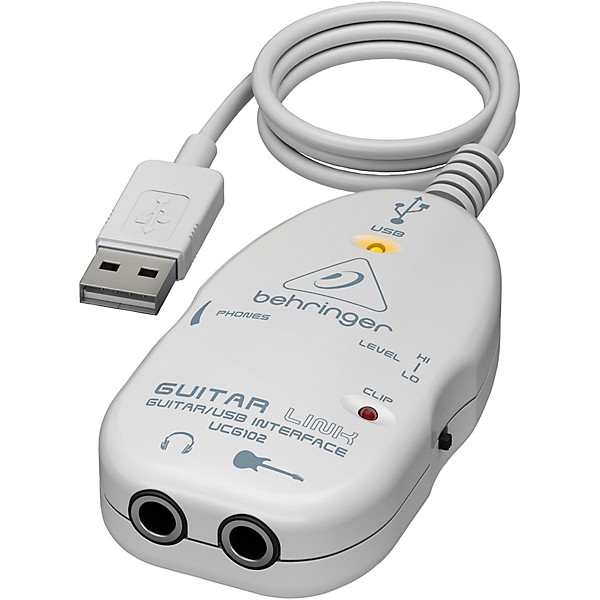
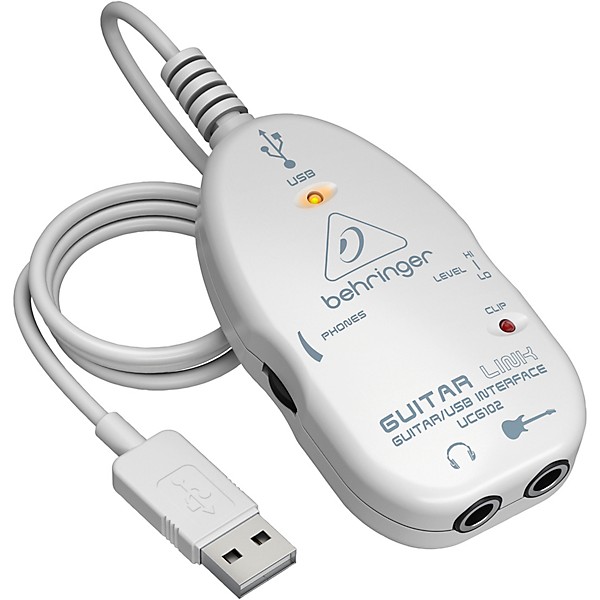
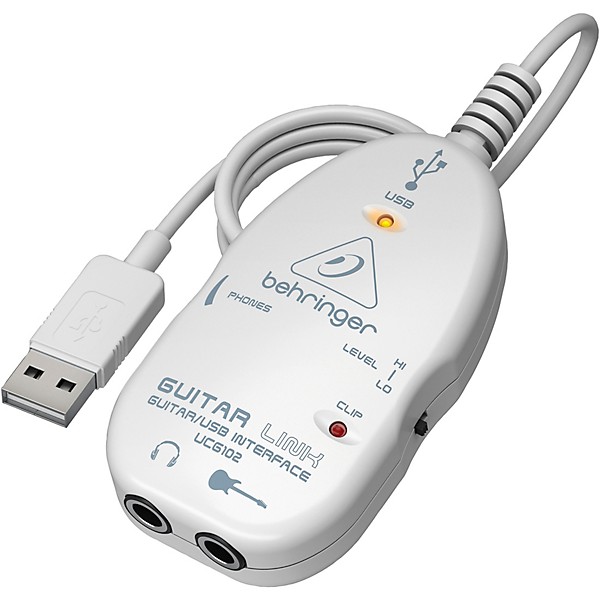
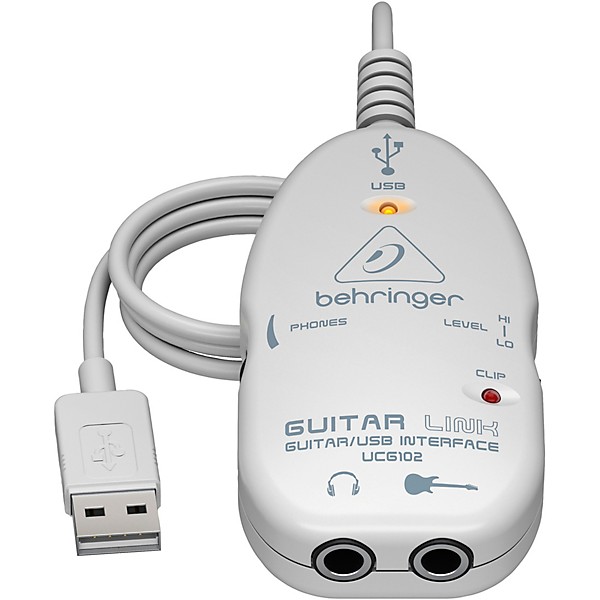
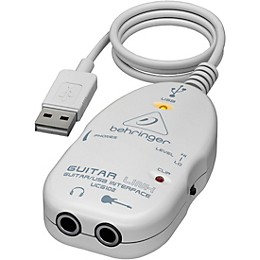
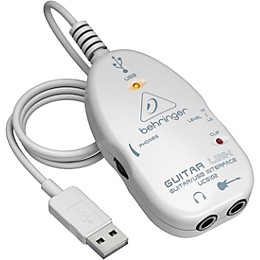
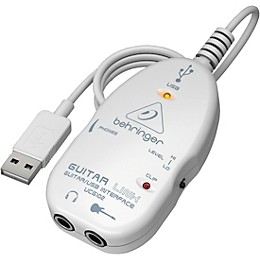
Behringer Guitar Link UCG102 USB Interface
$19.90
6-month special financing^ + $0 back in Rewards** Limited time Learn More

Protect your gearLearn more
Cover drops, spills or cracks with Pro Coverage

Need Help?

Description
The Behringer Guitar Link UCG102 USB audio interface lets you jam, record and craft tones using amp/FX modeling software without the need for any other gear besides your guitar. This compact interface seamlessly links your electric guitar to a PC or Mac computer via a typical USB cable, unleashing sophisticated software like the included Guitar Combos Behringer Edition from Native Instruments. With studio-quality 16-bit, 48 kHz audio conversion, the UCG102 renders your playing with exceptional clarity and detail. Its direct 1/4" headphone output allows for latency-free monitoring so you can track and practice without delay. The UCG102 comes bundled with amp/FX modeling software, providing a wealth of tones to craft your signature sound.
Jam With Pristine 16-Bit, 48 kHz USB Audio
Plug your guitar straight into the UCG102's 1/4" input, connect it to your computer's USB port and immediately tap into rich, detailed tone. The interface flawlessly converts your guitar's analog signal into digital audio with 16-bit resolution and a 48kHz sampling rate, preserving the nuances of your playing. Whether you're tracking demos, jamming with software amps or recording direct for later re-amping, the UCG102 captures your sound with exceptional quality so you can fully realize your creative vision.
Zero-Latency Monitoring for Real-Time Playing
The UCG102 allows you to monitor your guitar signal in real-time with no distracting delay thanks to its dedicated 1/4" headphone output. Just plug in your headphones and jam along to your favorite backing tracks or record takes with the confidence of hearing yourself play live, unaffected by software latency. The zero-latency monitoring makes practicing with amp sims incredibly natural, helping take your playing skills to the next level.
Compact and Bus-Powered for Portable Convenience
The UCG102 has an ultra-portable footprint that takes up barely any space. Its rugged metal housing ensures durability when transporting the interface. And since the UCG102 is powered via USB bus, all you need is your guitar and a USB cable to start recording and jamming anywhere - no extra power adapter required. With its grab-and-go form factor, you can easily integrate pro-quality guitar recording and practice into your mobile music workflow.
Includes Amp/FX Modeling Software for Versatile Tones
The UCG102 comes bundled with Native Instruments' Guitar Combos Behringer Edition software, giving you a suite of virtual amps and effects to craft your tone. It realistically models three classic tube combo amps, letting you go from vintage clean to modern high-gain distortion. The included effects like reverb, delay and modulation further allow you to dial in your unique sound. With the software's presets and customization options, the sonic possibilities are endless.
Features
- Mac or PC compatible
- Headphone output
- Download 3 demo versions of Native Instruments Guitar Combos
- Coupon to download 1 full version free
Featured Articles
Reviews
3.65
17 Reviews
33%
of respondents would recommend this to a friend
Most Liked Positive Review
5
Great portable interface
I got the UCG102 for my laptop and guitar, but as When I started using it, I realized that the UCG102 also has the potential of becoming a USB sound card with very little latency. The UCG102 works in Windows XP and also with Fedora Linux under Jack (Jack Audio Connection Kit). Included software and manual are very good as well. Overall construction is solid, and the built-in USB cable is more than ample for the length. The volume controls and switches feel nice, and are easy on the ears when wearing headphones. Overall, I am very pleased with this interface... its very small, self-powered, and the quality is very good.
VS
Most Liked Negative Review
1
Did not work
Purchased this to use with a Mac Book Pro. Product came with some software that was basically a stripped down version of Guitar Rig it seems. All software installed fine. However, the Guitar Link would not output any sound from my laptop. Behringer's site offered very little in the way of FAQS for Mac, so after an hour of researching online it seems that this problem has come up for numerous users.
Filters
Best Uses
- Home Studio1
- Amateur Recording1
Cons
- Unreliable2
- Poor Sound Quality1
Describe Yourself
- Experienced2
- Novice1
Pros
- Compact1
- Easy To Use1
- Good Audio1
- Lightweight1
Reviewed by 17 customers
I would recommend this product
Verified Buyer
submitted8 years ago
byDavid
fromundisclosed
No complaints. Everything worked without issue. For the driver I used the latest ASIO4ALL driver instead of what came on the CD that was provided. I like the option to be able to switch between the headphone jack and the PC speakers easily within the driver config. I primarily use Amplitube for Amp modeling software and this device suits my needs perfectly.
Didn't work. Disappointed
submitted8 years ago
byJordan
fromSD
I got this to try and make my life easier with recording for my Mac Air - No sound came out even after downloading the software. Link is junk.
Works great!
Verified Buyer
submitted8 years ago
byLarry
fromVt
I use this product with my mac with garage band 11 version 6.0.5 for recording. Works great and is very easy to use. Changed a few simple audio midi settings and it did exactly what I wanted it to. Sound quality is excellent for the price. A must buy for someone on a budget. Did not have to install any programs to the mac to use, but it does come with a program to have access to many different amp styles which is fun
xx
Verified Buyer
submitted8 years ago
byRoss
fromundisclosed
Having lots of trouble setting it up. Not intuitive at all. Not set up for windows 10. Limited flexibility in use. I want my guitarport back!
Should have listened to the bad reviews
Verified Buyer
submitted9 years ago
byFreddie
fromHouston
There was probably a reason the local Guitar Center local store didn't sell the Behringer UCG-102. As complained about by others, the software claimed it couldn't find an open internet access, although such was not the case, and wouldn't download. You could look at the software on the disc, offline,Tried to use UCG1-02 with Audacity and discovered a huge latency problem that the audio program would not correct thru correction latency settings. Subsequently learned their program does not support ASIO drivers, even tried the universal ASIO download. No other drivers available with the product. Found blog fixes suggesting erasing ASIO driver and reconnecting with the USB device designated as an audio device. While this may have been a fix with WIN XP or 7, the mandated new WIN 10 offers no such options in its newly scrambled audio device set -up. It' a USB, why change it? I downloaded Studio One recording program which supports ASIO drivers and it seemed to work better but was still a bit latent. Don't really want to learn a new recording program and I like the Audacity better, Looks like I'll have to find a new guitar interface. It won't be a Behringer.
Wow, I am so dissappointed with this thing!
submitted12 years ago
byJeff Krider
fromChillicothe, ohio
Maybe it is me, but I have tried and tried to get this working. I managed to mess my pc up big time in the process. I have worked around p/c's since 1991 and although I am not very knowledgeable regarding the inner workings of my Dell Home Premium Edition, it has taken up 15 plus hours of my time and still no fun.(jamming)
Q&A
Have a question about this product? Our expert Gear Advisers have the answers.
submitted6 years ago
asked byGILL
fromCartersville ga.
Is the latency delay minimal
The latency delay would be very minimal.submitted6 years ago
asked byBob
fromLA Ca
can i install on windows 10 64 bit
Yes.submitted6 years ago
asked byTrendkill
fromfort Worth texas
does it work with Android?
Yes it does.submitted6 years ago
asked byFred
fromTampa, Fl
Does this guitar link ucg102 usb interface work in windows 10 64 bit using a daw like Reaper with small amount of latency ? Will it work with VST guitar amp simulations ? Thank you
the latency will depend on the Daw you're using and the processing power of your computer.submitted6 years ago
asked byFrankie
fromINDIANA
Does this interface work at all with Widows 10 64 bit version? No one seems to know or have asked about it, I can find no information on the subject anywhere and I do not want to throw money away again. I have tried many interfaces and none seem to work on windows 10 that are low cost. Can someone please help me? Tired of buying junk that is never compatible. I am very ignorant when it comes to interfaces and guitars on pc, I am old and use amps and normal cords. Please help an old person out, all I want to do is play guitar but cant cause i cant get anything to work correctly. Thank you.
Yes this will work. You may need to update drivers for it, but it is compatible with Windows 10.submitted6 years ago
asked byT-moose
fromAtlanta, GA
Does this interface work with Windows 10?
Yes it will.submitted7 years ago
asked byTheignorantwife
fromMaine
Will it work with Windows 10? All the reviews are old so I couldn't tell
This will work with Windows 10 with updated drivers.This will work with Windows 10 with updated drivers.
Be the first to know about exclusive offers, tips and more.

866-498-7882 English
877-687-5402 Español