


StudioMonitorsMixing


Pro Gear Advisers
•866-498-7882
Guitars
Guitars
Amps & Effects
Amps & Effects
Used & Vintage
Keyboards & MIDI
Keyboards & MIDI
Drums
Drums
DJ Equipment
DJ Equipment
Basses
Basses
Recording
Recording
Live Sound
Live Sound
Accessories
Accessories
Mics & Wireless
Mics & Wireless
Music Software
Music Software
Lighting
Lighting
- Popular Brands
Band & Orchestra
Band & Orchestra
Platinum Gear
Deals
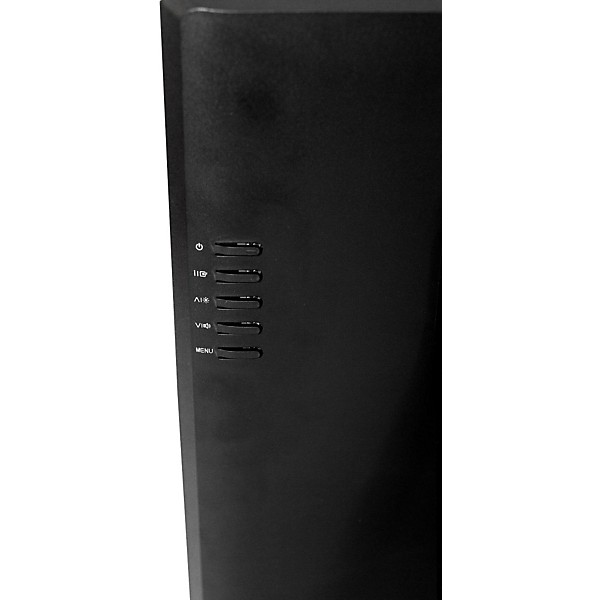
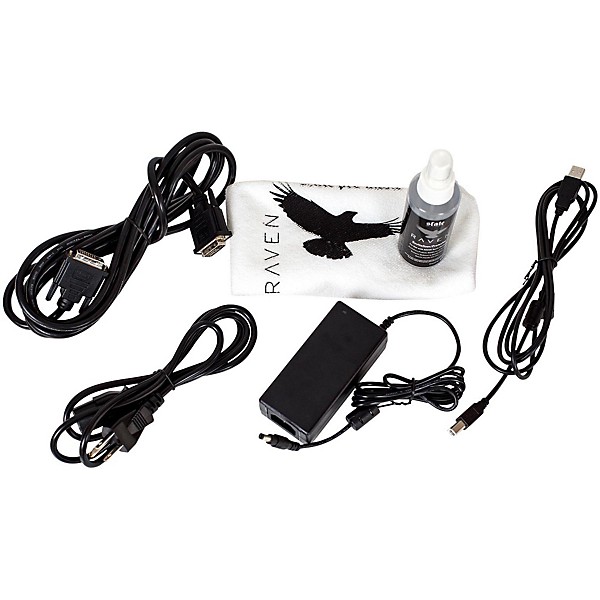
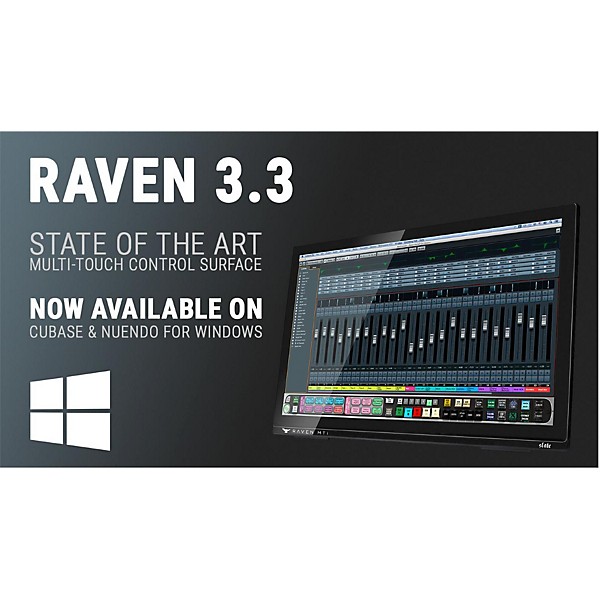
Steven Slate Audio RAVEN MTi2 Multi-Touch Production Console
$699.00

Need Help?
Videos (3)
View All
Slate Media Technology RAVEN MTi2 Multi-touch Production Console
Slate Media Technology RAVEN MTi2 Multi-touch Production Console
Slate Media Technology RAVEN MTi2 Multi-touch Production Console

Description
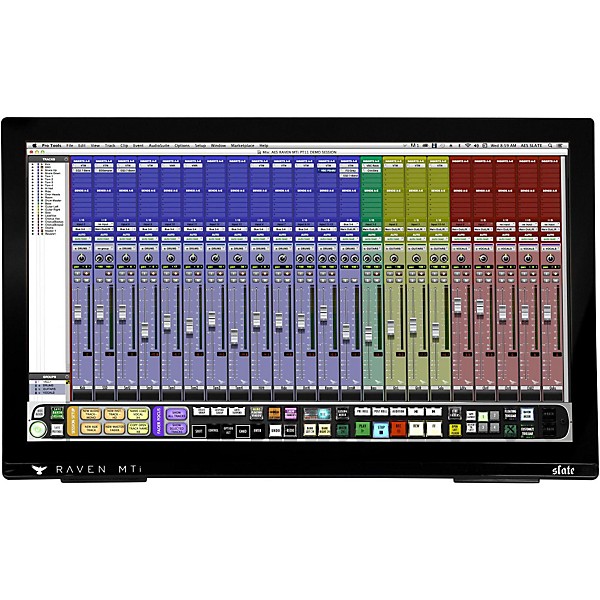
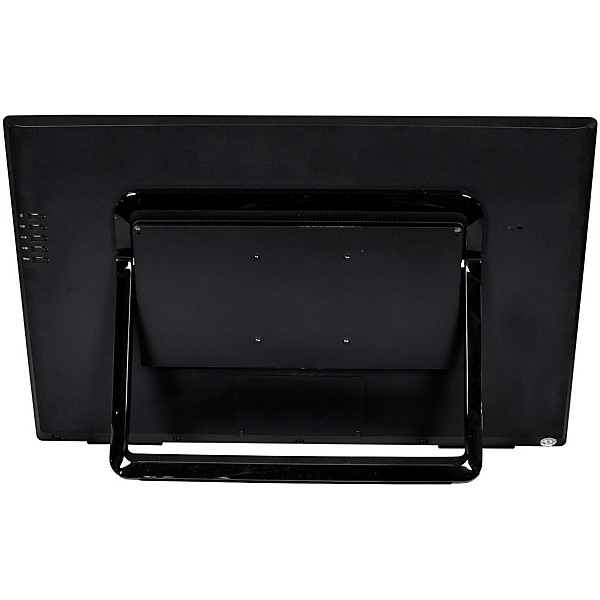
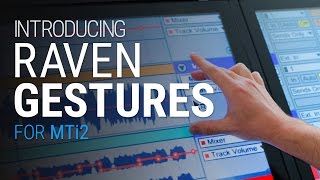
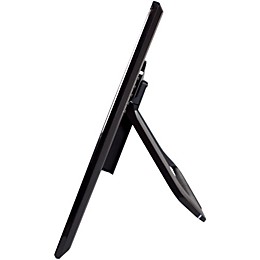
The RAVEN MTi2 production console from Slate Pro Audio is a revolutionary virtual mixing environment. Featuring a 27" multi-touch display, the RAVEN MTi2 provides an intuitive, hands-on experience with your digital audio workstation (DAW) and plug-ins. The included RAVEN 3.3 control software offers a customizable toolbar and the award-winning batch command system with over 100 presets to automate repetitive tasks and streamline your workflow.
Multi-Touch Display for Seamless DAW Control
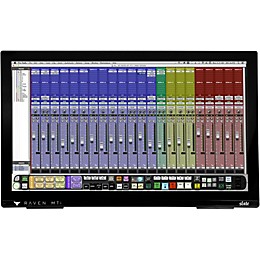
The RAVEN MTi2's 27" display enables you to simultaneously control faders, pans, sends and plug-in parameters with the touch of your fingers. The high-definition full-color display provides a visual representation of your DAW for an immersive mixing experience.
Powerful RAVEN 3.3 Software With Customizable Features
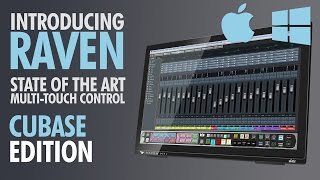
The included RAVEN 3.3 control software features a customizable toolbar where you can place the controls you want, including transport, edit and mix window selectors, record looping, metronome, create group and undo. The software is also compatible with all major DAWs, including Pro Tools, Logic Pro X, Ableton Live, Cubase, Nuendo, Studio One and Digital Performer on both Mac and PC.
Award-Winning Batch Command System
The RAVEN MTi2 includes Slate Pro Audio's batch command system, which features over 100 presets and the ability to create custom commands. With the touch of a button, you can execute up to 1,000 key commands and mouse clicks to automate tasks like creating headphone mixes, naming tracks, quantizing MIDI notes, exporting stems and more. The batch command system will save you hours by eliminating repetitive technical tasks.
Free Slate Remote iOS App
The free Slate Remote iOS app allows you to control the RAVEN MTi2 remotely via Wi-Fi. Slate Remote syncs with your RAVEN MTi2 session and provides access to the custom batch commands, enabling you to save time with the tap of your finger.
Specs
Required for Use:
- iLok 2
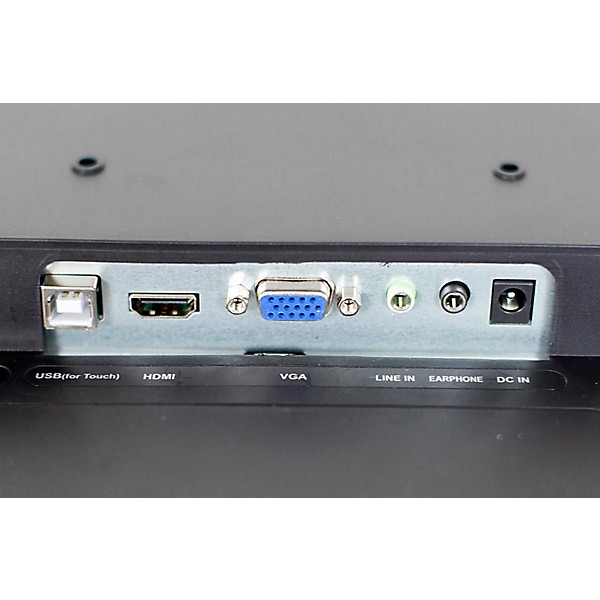
- Computer with USB 2.0 connection
- Standard DVI cable
- Uses industry-standard Ney-Fi protocol
- No Ethernet or MIDI Required
- :
- i7 Processor or Greater
- Intel HD 4000 Graphics Card (512MB VRAM)
- 4GB RAM
- :
- OS X 10.7 (Lion) or Greater
- 2.5Ghz Xeon Processor
- Intel HD 4000 Graphics Card (512MB VRAM)
- 4GB RAM
- Note: PC-compatibility will be available in a future release.Compatibility with Cubase/Nuendo and Live DAWs is coming soon. The quality of your graphics card is very critical to the quality of your RAVEN's performance.
Reviews
4.4
5 Reviews
100%
of respondents would recommend this to a friend
Filters
Best Uses
- Home Studio4
- Professional Recording3
- Amateur Recording2
Cons
- Bulky/Heavy1
- Not Durable1
- Buggy1
Describe Yourself
- Experienced5
Pros
- Versatile3
- Easy To Use2
- Compact1
- Good Audio1
- Lightweight1
Reviewed by 5 customers
Great for recording
Verified Buyer
submitted3 years ago
byChristopher
fromPensacola Florida
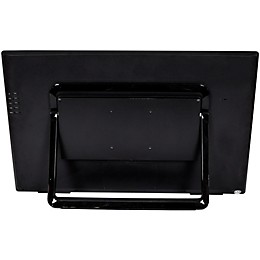
Only problem I had was the setup of the desk some of the pegs weren't long enough had to use a few screws of my own but once it got all up I have no issues all in all I would recommend it
Great product!!
Verified Buyer
submitted8 years ago
byReb
fromKansas
I use these for recording using ProTools in my home studio. They are great products, easy to use, multitouch, works with many different DAW's.
Great Product
submitted9 years ago
byJim
fromPensacola
I wanted a million dollar system, but didn't want to spend a million dollars. The Raven solved my problem. It's true that the set up takes a little time and effort. And, yes, you have to spend a little bit of time to learn how to use it.However, it's well worth it. In my case, I watched the set up video (a few times). I also contacted Slate, and they helped me get it up and running. I was very satisfied with their customer support. I have had one for a few months, and find it very easy to use (extremely intuitive). Exactly what I needed. I also recommend the Slate everything bundle. Great plugins!
Raven MTi2
Verified Buyer
submitted9 years ago
byChris
fromPortland, OR
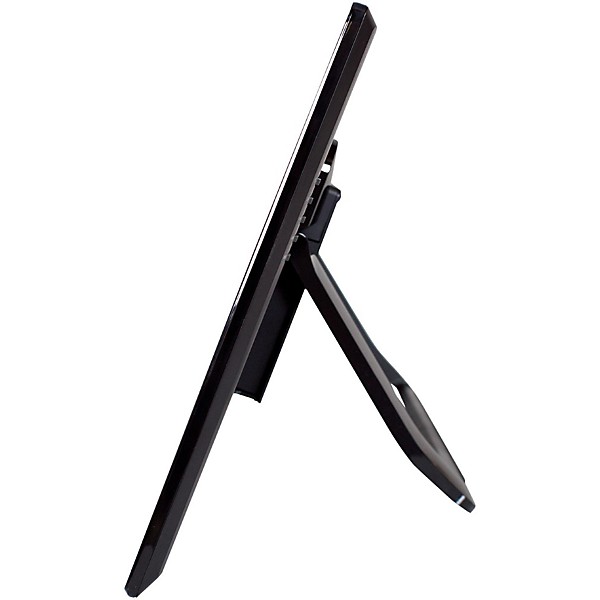
I'll admit, when I first got the Raven and initially used it, I thought, "is this really what I was wanting?" After giving it some time however, the answer is YES. Like anything, there is a learning curve. When you're used to using a mouse, making the transition to touch screen is a little weird. After you get used to it, along with the functionality of Control, it will streamline the workflow. It's probably like swithcing from mouse clicks and menus to command keys-at first it's weird, and takes getting used to, and even slows you down. But once you've got it, you think "how did i ever do this the old way?" Just having the angle down on the monitor in itself is a huge ergonomic plus over looking up at a screen. It definitely makes the micxing process more interactive.
Nice product but needs work
Verified Buyer
submitted9 years ago
byThe Beat Dungeon
fromNorfolk, Va
This is a very innovative product but when you have questions about the raven tech support is non existent You have to go online and fill out a form for a return phone call, so if your in a bind at the moment in the middle of a session your screwed.When using the raven external mixer your plugins are not available like advertised, after some more software updates then this should be a pretty solid product.
- Previous
- 1
- Next
Q&A
Have a question about this product? Our expert Gear Advisers have the answers.
submitted5 years ago
asked byJustin
fromHampstead md
Can this be used as a recorder and mixer?
Yes this DAW will record and mixsubmitted5 years ago
asked byArtavius
fromAtlanta ga
Hey, does this computer comes with protools
Pro Tools not includedsubmitted6 years ago
asked byanthony j
frombrooklyn ny 11234
how can i receive tech support from slate to complete setting up my mti2
They typically have a help section on their website where you can reach out. If that doesn't work they may also have instructional videos available.submitted6 years ago
asked byM
fromTexas
Will this surface work with an IMAC as far as connection.
OS X 10.7 (Lion) or Greater
Be the first to know about exclusive offers, tips and more.

866-498-7882 English
877-687-5402 Español