


Gear SpecialistBundlingMusician


Pro Gear Advisers
•866-498-7882
Guitars
Guitars
Amps & Effects
Amps & Effects
Used & Vintage
Keyboards & MIDI
Keyboards & MIDI
Drums
Drums
DJ Equipment
DJ Equipment
Basses
Basses
Recording
Recording
Live Sound
Live Sound
Accessories
Accessories
Mics & Wireless
Mics & Wireless
Music Software
Music Software
Lighting
Lighting
- Popular Brands
Band & Orchestra
Band & Orchestra
Platinum Gear
Deals
Steinberg DAC SpectraLayers Pro 12 Audio Plug-in
$209.99$349.99Save: $140.00 (40%)
6-month special financing^ + $10 back in Rewards** Limited time Learn More

Save on orders $199+ and get expert advice from a Gear Adviser
Need Help?

Description
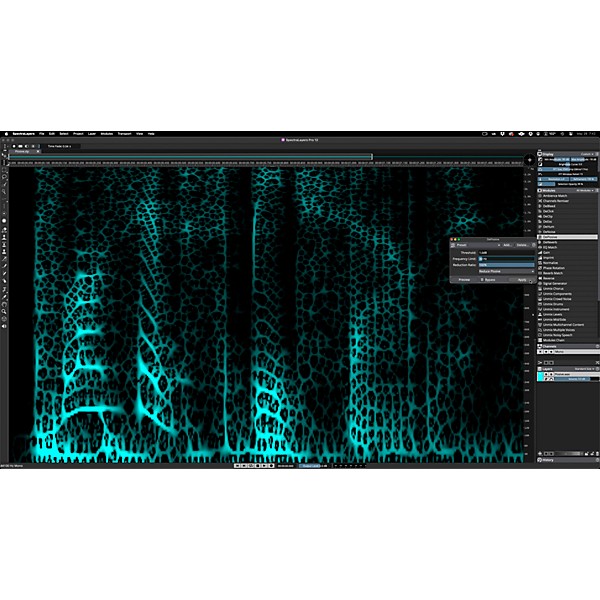
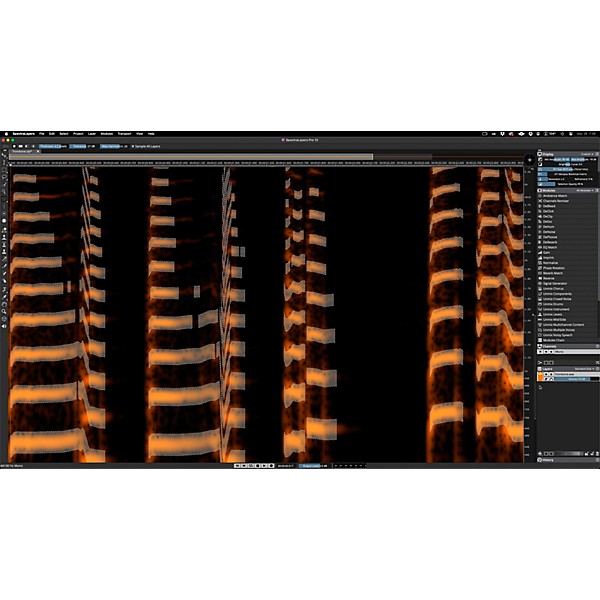
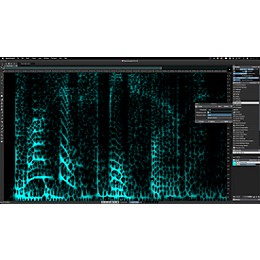
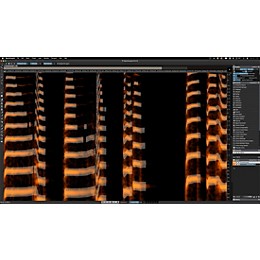
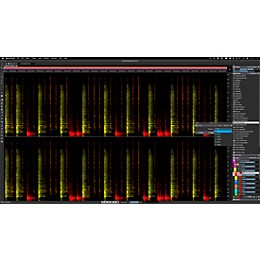
The Yamaha DAC SpectraLayers Pro 12 takes audio editing to a new level, offering updated unmixing algorithms that excel at separating vocals, drums and user-defined instruments with greater accuracy. This spectral editor stands out for its precise handling of music and post-production audio, breaking soundtracks into dialogue, music and effects layers. Engineers and producers can now use improved speech processing, which cuts noise and reduces artifacts, making voices clearer and more natural. Automatic plosive attenuation and faster voice transcription speed up workflow, while new features like simultaneous layer editing, expanded copy/paste tools and refined fade controls make for efficient sessions. Visualization updates add clarity, keeping this platform at the leading edge of sound editing technology.
Advanced Audio Layering Tools Enhance Workflow for Yamaha Users
Sound designers, music producers and post engineers seeking sharper control over mix elements will benefit from this spectral editor's detailed layer management. New drum and vocal extraction tools support remixing or restoration projects, and post teams can target dialogue or effects without artifact creep. Layer-based editing enables fast tweaks to multiple tracks, and upgraded tools improve precision when copying or fading sounds. Enhanced speech tools speed up dialogue cleanup, making this version a solid choice for those needing efficient, transparent sound separation. These upgrades help professionals finish projects faster and with cleaner results, supporting modern creative and technical demands.
Features
- Updated unmixing algorithms isolate vocals and instruments for precise track editing
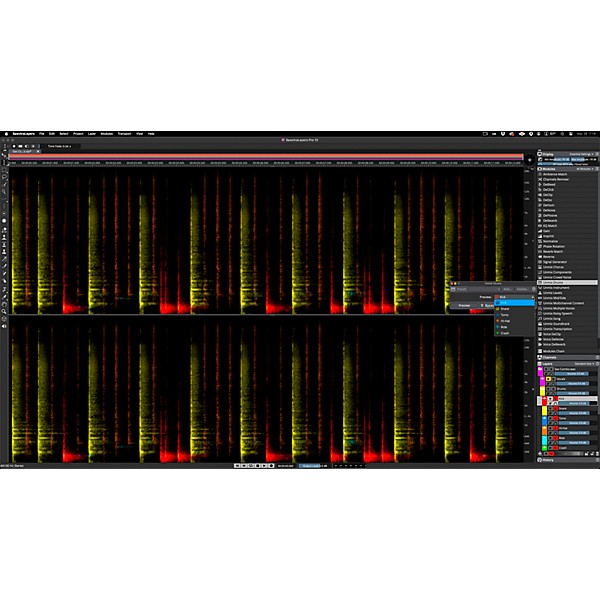
- Expanded drum kit unmixing separates individual drum sounds for cleaner mixes
- Speech processing reduces noise and plosives for clearer dialogue and narration
- Edit multiple audio layers simultaneously to streamline complex sound design projects
- Enhanced fade controls improve transitions for smoother audio blending
- Automatic voice resynthesis enables realistic vocal transformations without artifacts
- Faster transcription tools simplify turning spoken audio into editable text
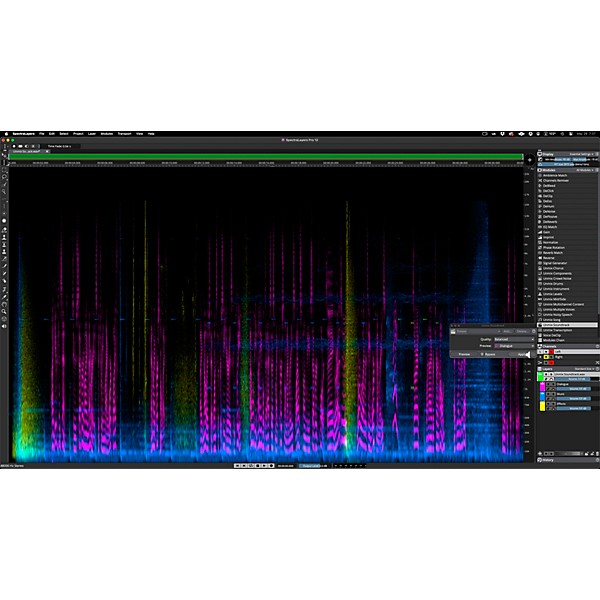
- Break soundtracks into dialogue, music and effects layers for detailed post-production
Specs
Software Features
- Unmixing capabilities: Vocals, drum kits and user-profiled instruments
- Dialogue processing: Breaks down soundtracks into dialogue, music, and effects layers
- Speech enhancements: Automatic plosive attenuation, voice resynthesis, and faster transcriptions
- Layer editing: Multi-layer editing with new copy/paste functions
- Fade controls: Enhanced fade options
- Visualization: Advanced spectral visualization tools
- Utilities: Expanded utilities for workflow optimization
- Workflows: New workflows for enhanced efficiency
- Updates: Includes updated music unmixing algorithms
Featured Articles
Reviews
Be the first to review the Product
Q&A
Have a question about this product? Our expert Gear Advisers have the answers.
No results but…
You can be the first to ask a new question.
It may be Answered within 48 hours.
Be the first to know about exclusive offers, tips and more.

866-498-7882 English
877-687-5402 Español