



DigitalPianistSynths


Pro Gear Advisers
•866-498-7882
Guitars
Guitars
Amps & Effects
Amps & Effects
Used & Vintage
Keyboards & MIDI
Keyboards & MIDI
Drums
Drums
DJ Equipment
DJ Equipment
Basses
Basses
Recording
Recording
Live Sound
Live Sound
Accessories
Accessories
Mics & Wireless
Mics & Wireless
Music Software
Music Software
Lighting
Lighting
- Popular Brands
Band & Orchestra
Band & Orchestra
Platinum Gear
Deals
Videos (5)
View All
I am BLOCKS
Introducing the Loop Block
Introducing ROLI BLOCKS ft. PARISI
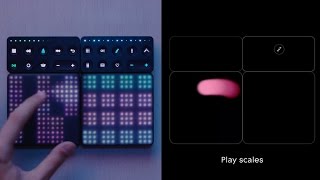
BLOCKS: The modular music studio

Description
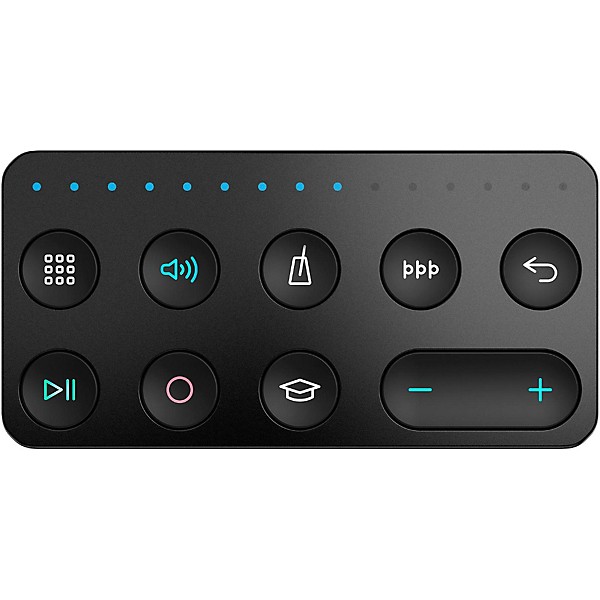
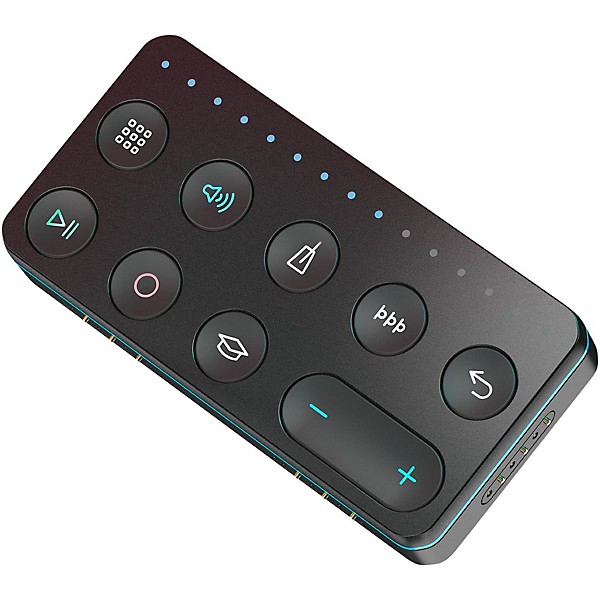
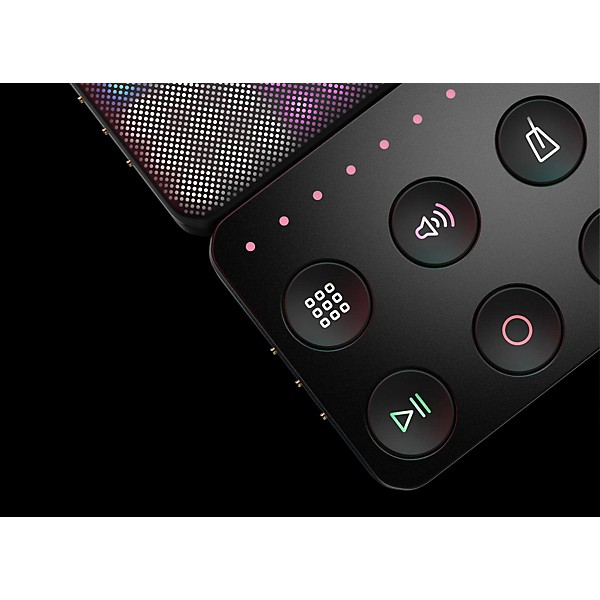
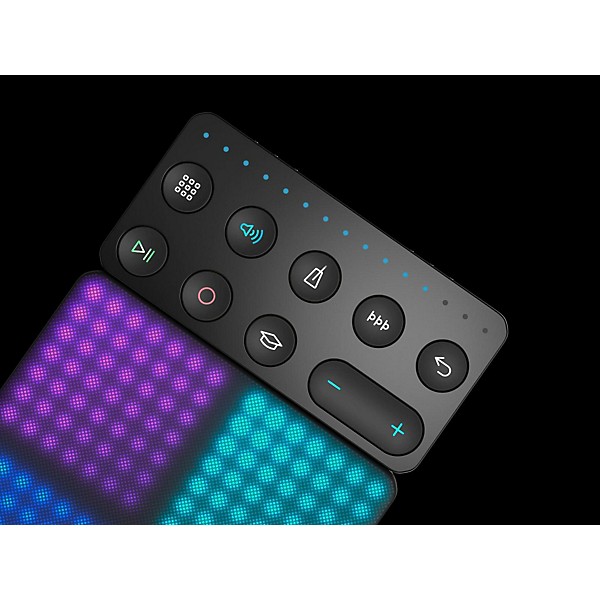
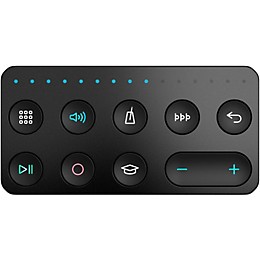
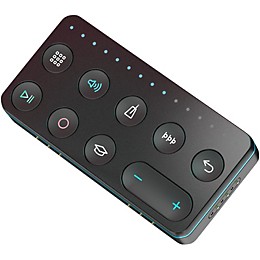
The Live Block and Loop Block buttons activate the features you use most. These features are available through the NOISE app too. But with a Live Block or Loop Block, you don’t even need to glance at a software menu. You just tap a button.
Connect with a click
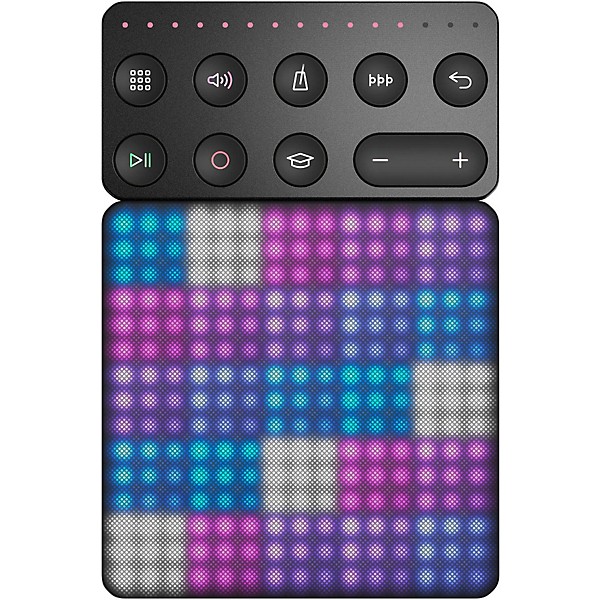
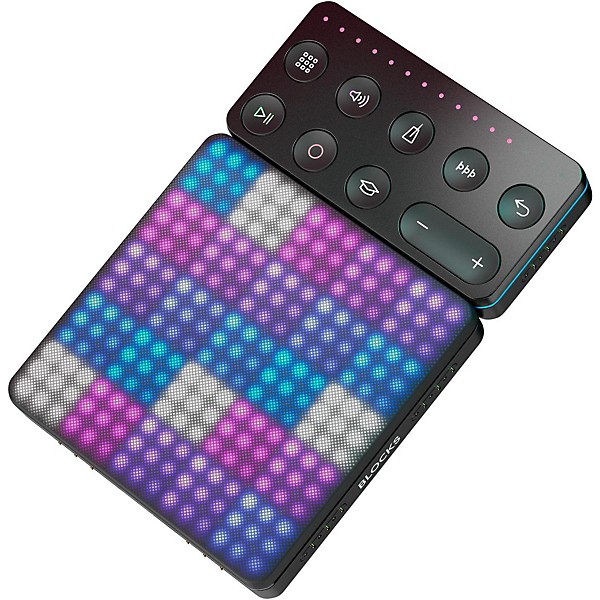
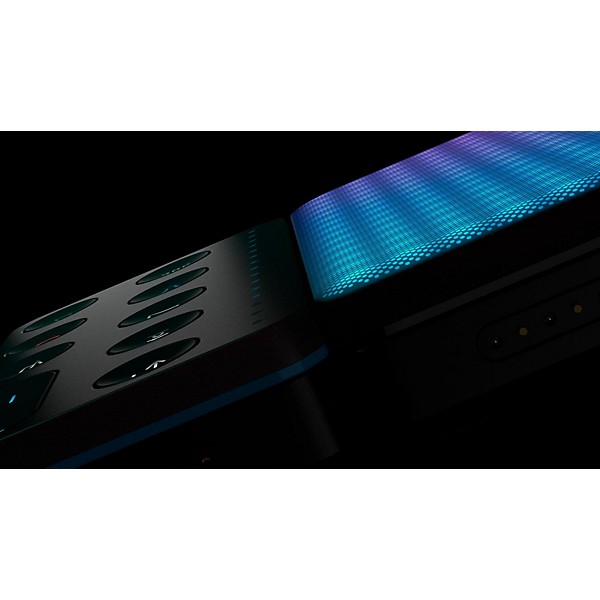
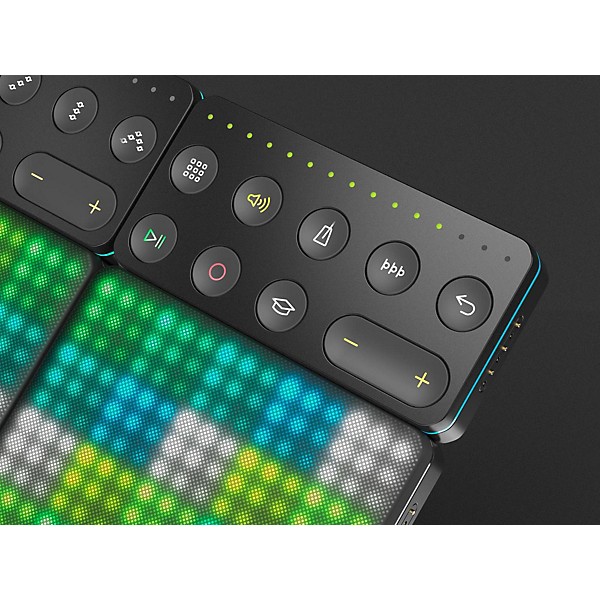
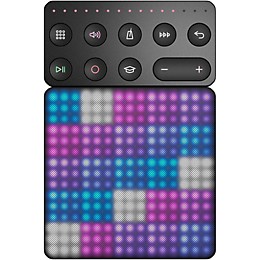
The Live Block and Loop Block connect with a click to the Lightpad Block. It couldn’t be more convenient: the buttons are less than a finger-length away from the Lightpad Block’s playable surface. Reconfigure the Blocks however you want, whenever you want — even in the middle of playing a song. Connect a Live Block to the top or bottom, right or left of the Lightpad Block. Connect a Live Block and a Loop Block beside each other, or separate them on either side of the Lightpad Block. If you want to physically disconnect the Blocks, they still work together wirelessly. Loops are key in contemporary music and they are very useful with the BLOCK music-making system.
Connect with a click
The Live Block and Loop Block connect with a click to the Lightpad Block. It couldn’t be more convenient: the buttons are less than a finger-length away from the Lightpad Block’s playable surface. Reconfigure the Blocks however you want, whenever you want — even in the middle of playing a song. Connect a Live Block to the top or bottom, right or left of the Lightpad Block. Connect a Live Block and a Loop Block beside each other, or separate them on either side of the Lightpad Block. If you want to physically disconnect the Blocks, they still work together wirelessly. Loops are key in contemporary music and they are very useful with the BLOCK music-making system.
Reviews
Be the first to review the Product
Q&A
Have a question about this product? Our expert Gear Advisers have the answers.
No results but…
You can be the first to ask a new question.
It may be Answered within 48 hours.
Be the first to know about exclusive offers, tips and more.

866-498-7882 English
877-687-5402 Español