


DigitalPianistSynths


Pro Gear Advisers
•866-498-7882
Guitars
Guitars
Amps & Effects
Amps & Effects
Used & Vintage
Keyboards & MIDI
Keyboards & MIDI
Drums
Drums
DJ Equipment
DJ Equipment
Basses
Basses
Recording
Recording
Live Sound
Live Sound
Accessories
Accessories
Mics & Wireless
Mics & Wireless
Music Software
Music Software
Lighting
Lighting
- Popular Brands
Band & Orchestra
Band & Orchestra
Platinum Gear
Deals
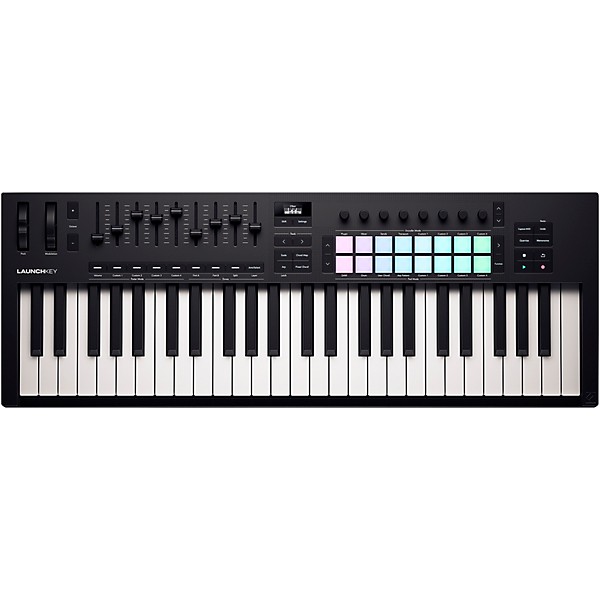
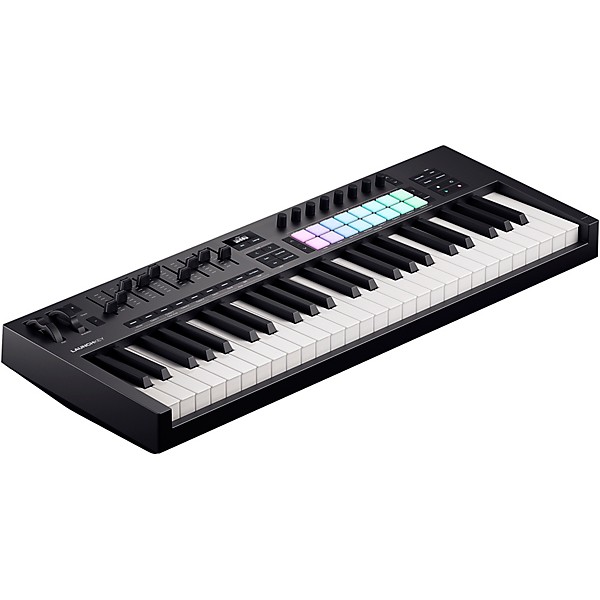
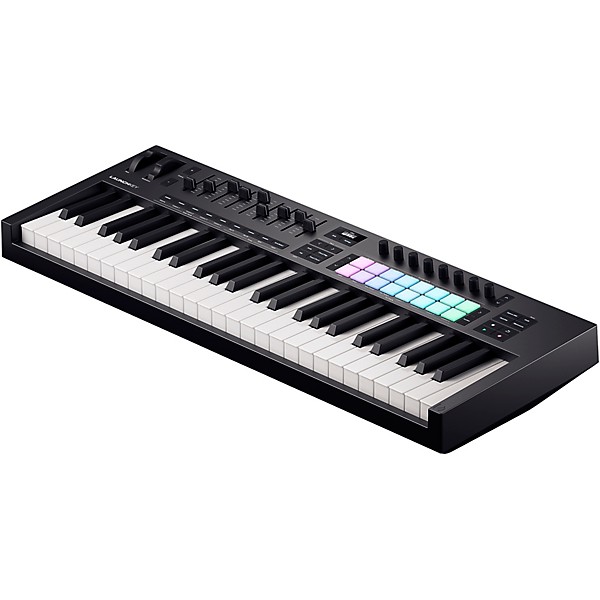
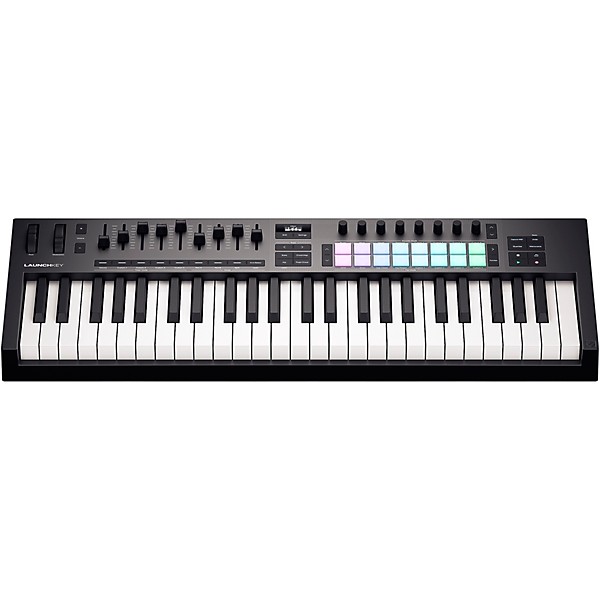
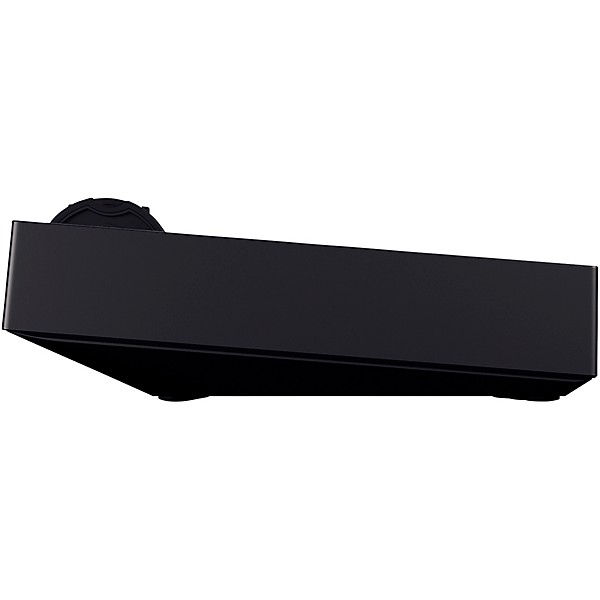
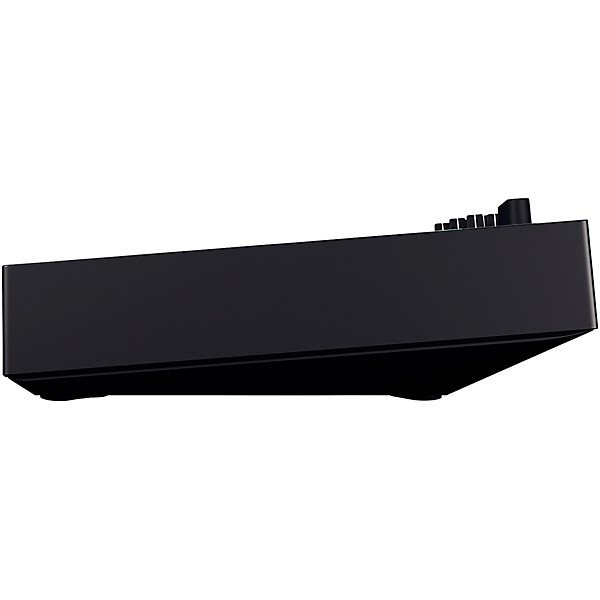
Novation Launchkey 49 MK4 Keyboard Controller
$279.99
6-month special financing^ + $13 back in Rewards** Limited time Learn More
Lease-To-Own Purchase OptionsLearn more

Protect your gearLearn more
Cover drops, spills or cracks with Pro Coverage

Need Help?
Save on this item when you bundle
Videos (2)
View All
Novation Launchkey 49 Mk4 Keyboard Controller | Demo and Overview with Jina An and Shirley Song

Novation - Launchkey

Description
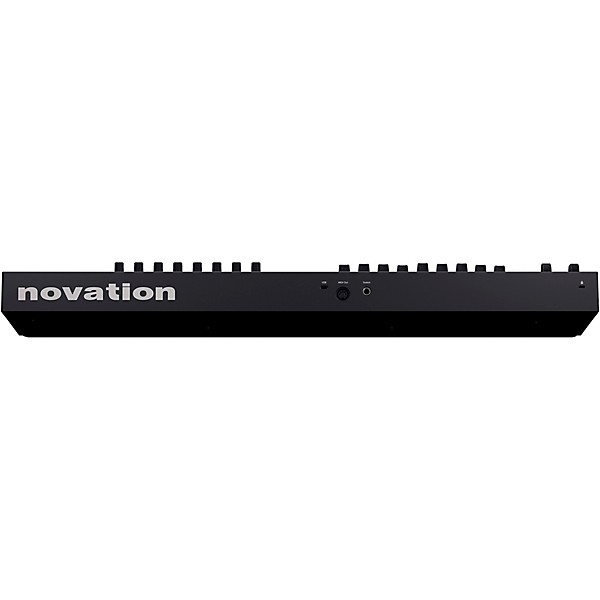
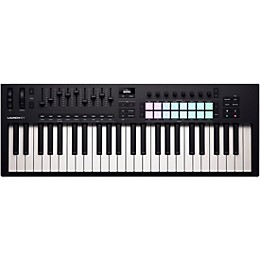
Built to empower musicians with refined tactile response and deep software integration, the Launchkey 49 MK4 expands on Novation’s acclaimed MK3 series with expressive upgrades and a workflow-first redesign. This 49-key MIDI keyboard strikes the perfect balance between portability and functionality, with semi-weighted keys, 16 polyphonic aftertouch pads, nine faders and a powerful creative engine under the hood. Optimized for use with Ableton Live but seamlessly compatible with Logic Pro, FL Studio, Cubase, Reason, and more, Launchkey MK4 also adds bus-powered USB-C, a standard 5-pin MIDI out and an expanded feature set for hybrid hardware/software rigs.
Velocity-Sensitive Keybed Captures Every Detail
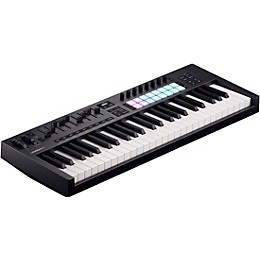
From its semi-weighted keys to its velocity-sensitive, aftertouch-enabled RGB pads, every detail of the Launchkey 49 MK4 has been engineered for expressive, real-time playability. The 49-key layout is ideal for studio production or live performance, offering ample space for two-handed parts, chord voicings and melodic improvisation. In addition to the 16 drum pads, you’ll find eight rotary encoders, nine long-throw faders and mod/pitch wheels — all backed by a bright OLED display that gives instant visual feedback while you work. The result is a responsive controller that lets you interact with your DAW and instruments on your terms.
Instant Inspiration With Creative Performance Modes
Creativity flows freely with Launchkey’s expanded Chord, Scale and Arpeggiator modes. Scale Mode locks the keys to 30 scale types, including Filter and Easy Snap modes that make melodic experimentation effortless. Dive into harmonies with three different Chord modes — Fixed Chord, User Chord and the dynamic Chord Map — or quickly reverse-engineer your progressions using the Chord Detector, which displays your current chord onscreen in real time. The advanced Arpeggiator supports per-step editing for rhythmically complex patterns and generative melodic motion, giving producers and songwriters powerful compositional tools right from the hardware.
Seamless DAW Integration With Smart Customization
Plug in and take control — Launchkey 49 MK4 offers deep, automatic mapping with all major DAWs. DAW Transport Mode puts your session in your hands with tactile transport, mixer, and device control that maps immediately to Ableton Live, Logic, FL Studio and more. Split and Layer Modes allow the 49-key layout to act as two independent or overlapping instruments, while four Custom Modes provide flexible MIDI control over outboard synths, drum machines or plugin parameters using Novation Components. With MIDI CC assignment, mapped pads and compatibility with the Novation Play plugin, you can tailor Launchkey to fit your exact setup and performance style.
A Creative Ecosystem at Your Fingertips
Included with the Launchkey 49 MK4 is an inspiring suite of professional software tools and instruments to get your music moving right away. You’ll get Ableton Live Lite, Cubase LE 14, the GForce 4-in-1 synth bundle (including Novation Bass Station and iconic Oberheim emulations), Orchestral Tools samples and Klevgrand FX plugins like R0Verb and Slammer. Add in Melodics lessons for pad and key technique, and Novation Play — the Klevgrand-powered virtual instrument with 80+ pre-mapped sounds — and you’ve got a comprehensive toolkit to power your productions across genres.
Launchkey 49 MK4 Provides Cross-Platform Flexibility
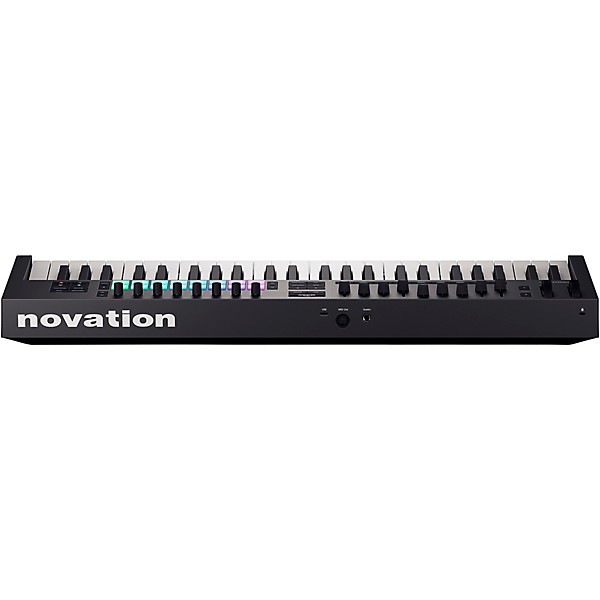
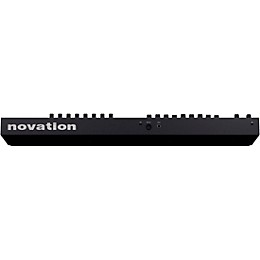
With its rugged chassis, USB-C bus power and lightweight build, Launchkey 49 MK4 is just as ready for life on the road as it is for studio sessions. It supports Mac, PC and iOS out of the box, making it easy to integrate into mobile setups or hybrid rigs with hardware synths. Whether you’re scoring in the studio, jamming with modular gear or triggering loops on stage, Launchkey 49 MK4 delivers expressive control, powerful creative tools and the reliability today’s producers and performers demand.
Features
- Semi-weighted 49-note keyboard
- 16 velocity-sensitive pads with polyphonic aftertouch
- Powerful built-in arpeggiator and chord modes for progressions
- Split and layer the keyboard; connect synths and iOS
Specs
Included Software
- Latest version of Ableton Live Lite
- Cubase LE 14
- Novation Play
- Komplete 15 Select
- GForce bundle:
- Novation Bass Station
- Oberheim SEM
- Oberheim OB-EZ
- GForce AXXESS
- Parallel Orchestras bundle by Orchestral Tools
- Delicate Piano
- Flautando Strings
- Percussion FX
- Shadowy
- Paradox Texture
- Woodwind Parallax
- Klevgrand bundle
- LUXE
- R0Verb
- Slammer
- Melodics curated lessons
Warranty
All Novation products are built to the highest standards and are designed to provide many years of reliable performance. In the event of a manufacturing defect becoming evident during the warranty period, Novation will ensure that the product is repaired or replaced free of charge. The warranty for any product purchased on or after January 1, 2018. is a period of 36 months from the date of original purchase. The warranty period for products purchased on or prior to December 31, 2017, is 24 months from the date of original purchase.
A manufacturing defect is defined as a defect in the performance of the product as described and published by Novation. A manufacturing defect does not include damage caused by post-purchase transportation, storage or careless handling, nor damage caused by misuse.
While this warranty is provided by Novation, it is fulfilled by Novation’s distribution partner in the country in which you purchased the product. To contact Novation's local distribution partner regarding a warranty issue, go to https://stockists.novationmusic.com/stores/distributors/. They will advise you of the appropriate procedure for resolving the warranty issue. Note that many of the products returned under warranty are found not to exhibit any hardware fault at all. In the case of operational interruption, it’s worth checking other factors, such as cables, drivers, software settings, and the like, prior to returning your hardware. Contact Novation support at: https://support.novationmusic.com/hc/en-gb
if you experience technical issues.
In every case, you will need to provide a copy of the original invoice or store receipt to Novation’s local distribution partner. In the event that you are unable to provide proof of purchase, you should request a copy of your receipt. If you purchase a Novation product outside your normal country of residence, Novation’s distribution partner in your normal country of residence will not be able to honor this limited warranty, although you may request an out-of-warranty chargeable repair.
This warranty is in addition to your statutory rights in the country of purchase.
Featured Articles
Reviews
5
2 Reviews
100%
of respondents would recommend this to a friend
Filters
Best Uses
- Practicing1
Describe Yourself
- Novice1
- Professional Musician1
Pros
- Easy To Use2
- Functional1
Reviewed by 2 customers
Great keyboard especially if just starting out
submitted2 months ago
bySierra
fromDallas, TX
Submitted as part of a sweepstakes
I recently started learning how to produce music and learn how to play piano and this keyboard has helped me step up my production game. I use Logic and the interface is seamless and allows for use of track selection mute/solo as well as mixing. I haven't dived super deep into everything that can be done production wise however this has been everything I have needed and more. The additional software is very useful as well. #sweepstakes
Novation mk4 controler
Verified Buyer
submitteda year ago
byJamaicaJo
fromOhio
Submitted as part of a sweepstakes
Great price and knowledgeable service. So easy to set up and use.
- Previous
- 1
- Next
Q&A
Have a question about this product? Our expert Gear Advisers have the answers.
submitted8 months ago
asked byAlbert
fromAustin, TX
Which Cable does the Keyboard need to connect with a Zoom R20?
Required Cable USB-B to USB-A Cable (Standard USB Printer Cable). The Launchkey 49 MK4 uses USB-B for its connection (the square-ish port). The Zoom R20 has a USB Host port (USB-A) specifically for connecting class-compliant MIDI controllers like the Launchkey. Plug the USB-B end of the cable into the Launchkey. Plug the USB-A end into the R20’s USB Host port (not the USB-C port, that one is for PC connection). On the R20, go to the MIDI settings and ensure it recognizes the Launchkey. You can now use the Launchkey to trigger instrument tracks, like synth or drum pads, on the R20.submitteda year ago
asked byLectricTraveler
fromLitchfield Park, AZ
Does it come with a USB cable?
No, it doesn't.
Be the first to know about exclusive offers, tips and more.

866-498-7882 English
877-687-5402 Español