


Gear SpecialistBundlingMusician


Pro Gear Advisers
•866-498-7882
Guitars
Guitars
Amps & Effects
Amps & Effects
Used & Vintage
Keyboards & MIDI
Keyboards & MIDI
Drums
Drums
DJ Equipment
DJ Equipment
Basses
Basses
Recording
Recording
Live Sound
Live Sound
Accessories
Accessories
Mics & Wireless
Mics & Wireless
Music Software
Music Software
Lighting
Lighting
- Popular Brands
Band & Orchestra
Band & Orchestra
Platinum Gear
Deals
Download
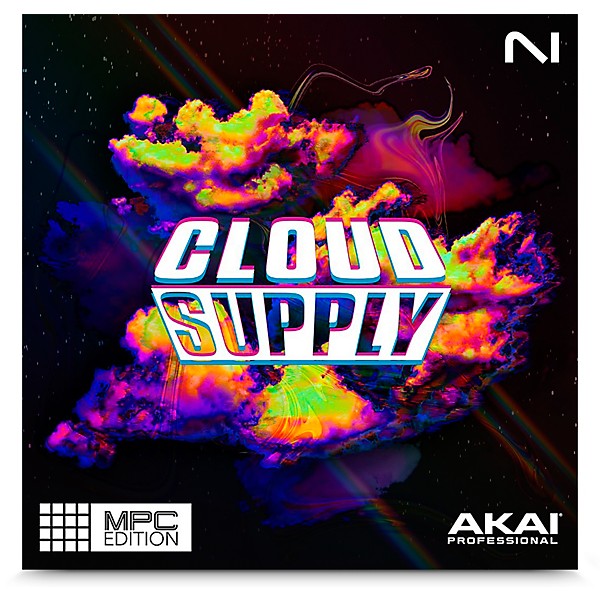
Native Instruments AKAI Cloud Supply MPC Edition
$29.00
6-month special financing^ + $1 back in Rewards** Limited time Learn More

Save on orders $199+ and get expert advice from a Gear Adviser
Need Help?

Description
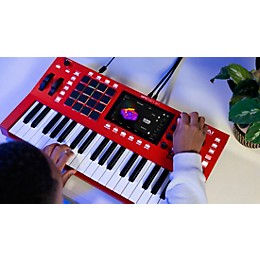
The Native Instruments AKAI Cloud Supply MPC Edition puts hazy, atmospheric trap production at your fingertips. You get 111 meticulously crafted presets dripping with beat-ready hybrid keys, wavy pads, plucks, bells and sequences. Pitch-shifted resampling adds on-point hidden harmonics, elevating your hooks. All sounds are refined through analog studio gear and high-end processing for a richly textured vibe. With powerful tweaking options, you can dial in custom atmospherics to make each track uniquely yours. Whether adding smoke-soaked layers or crafting hypnotic melodic motifs, the AKAI Cloud Supply MPC Edition provides an arsenal of evocative tools for your contemporary productions.
Features
- AKAI MPC Editions installation instructions
- 1. Connect your MPC hardware to Wi-Fi
- 2. Log into your inMusic Profile on the MPC
- 3. Go to Preferences > Activations
- 4. Press "ENTER SERIAL", type the serial number, and press "REGISTER"
- 5. Press the download button next to your plugin in the Activations tab to wirelessly install
- and activate
- MPC Editions system requirements
- Standalone MPC 3.4 or above
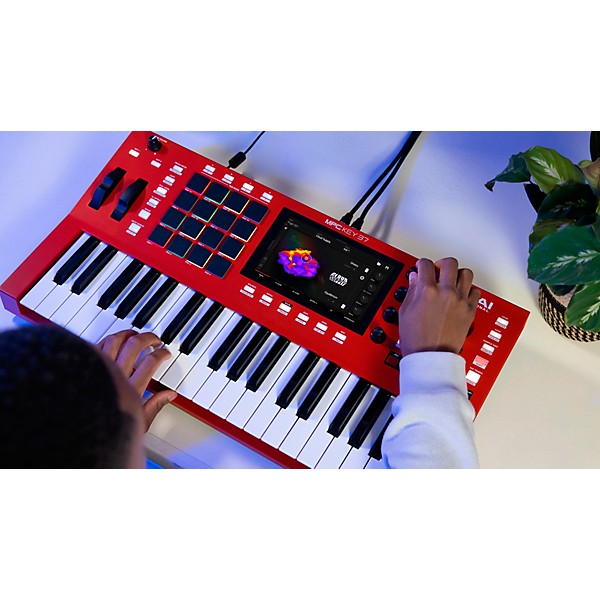
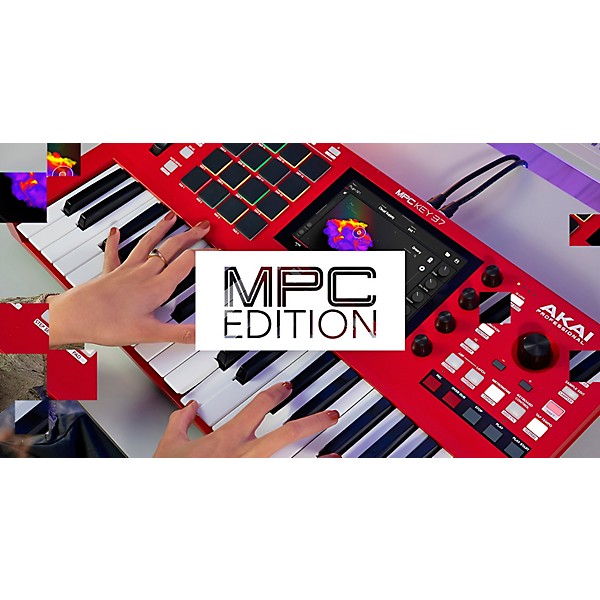
- The above products are for MPC Key 37, MPC One+, MPC X Special Edition, MPC Key 61,
- MPC One, MPC Live II, MPC X and MPC Live hardware.
Featured Articles
Reviews
Be the first to review the Product
Q&A
Have a question about this product? Our expert Gear Advisers have the answers.
No results but…
You can be the first to ask a new question.
It may be Answered within 48 hours.
Be the first to know about exclusive offers, tips and more.

866-498-7882 English
877-687-5402 Español