


Gear SpecialistBundlingMusician


Pro Gear Advisers
•866-498-7882
Guitars
Guitars
Amps & Effects
Amps & Effects
Used & Vintage
Keyboards & MIDI
Keyboards & MIDI
Drums
Drums
DJ Equipment
DJ Equipment
Basses
Basses
Recording
Recording
Live Sound
Live Sound
Accessories
Accessories
Mics & Wireless
Mics & Wireless
Music Software
Music Software
Lighting
Lighting
- Popular Brands
Band & Orchestra
Band & Orchestra
Platinum Gear
Deals
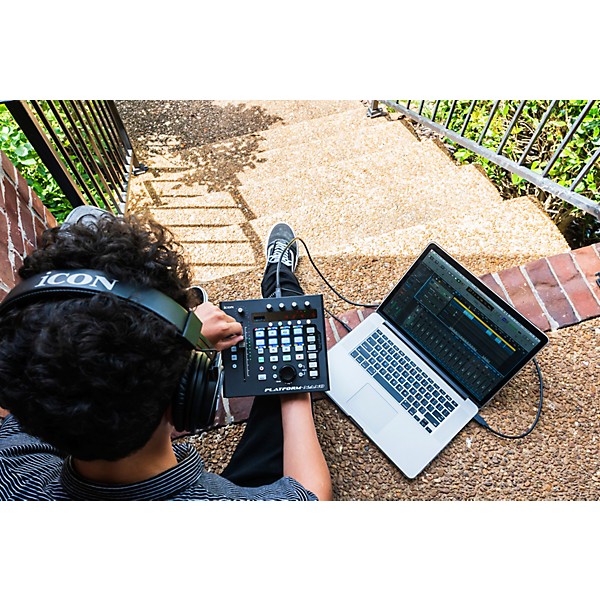
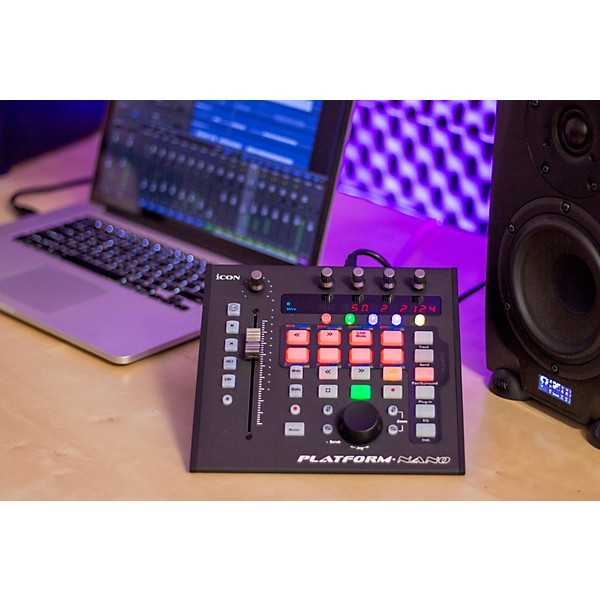
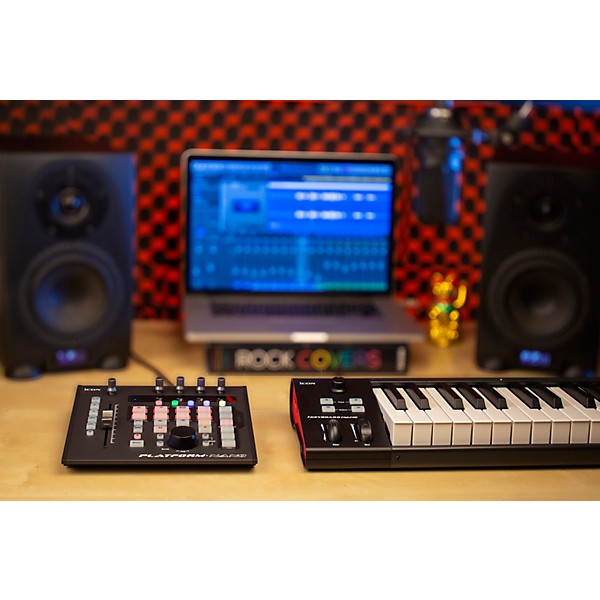
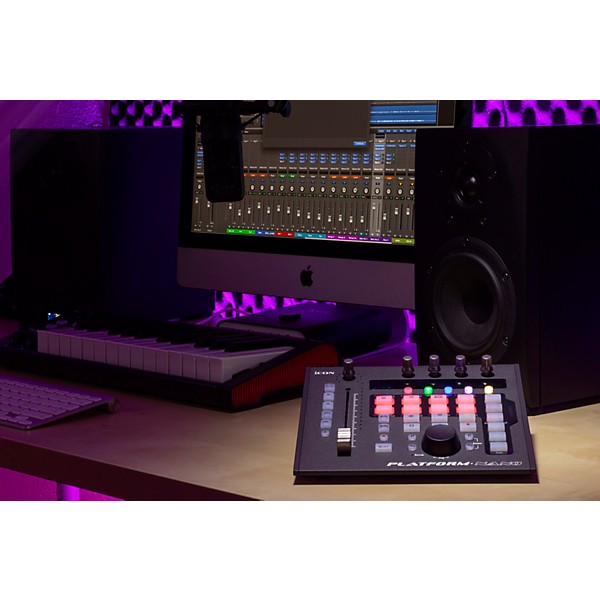
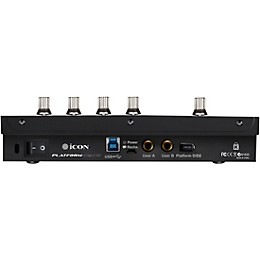
Icon Platform Nano DAW Control Surface
$249.99

Save on orders $199+ and get expert advice from a Gear Adviser
Need Help?
Description
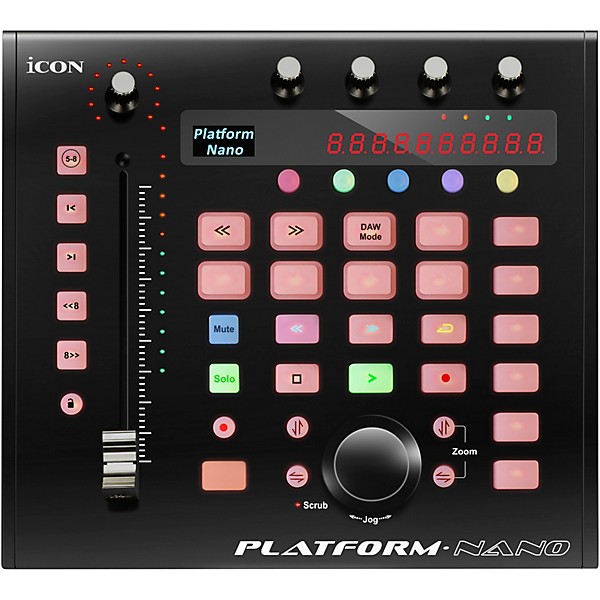
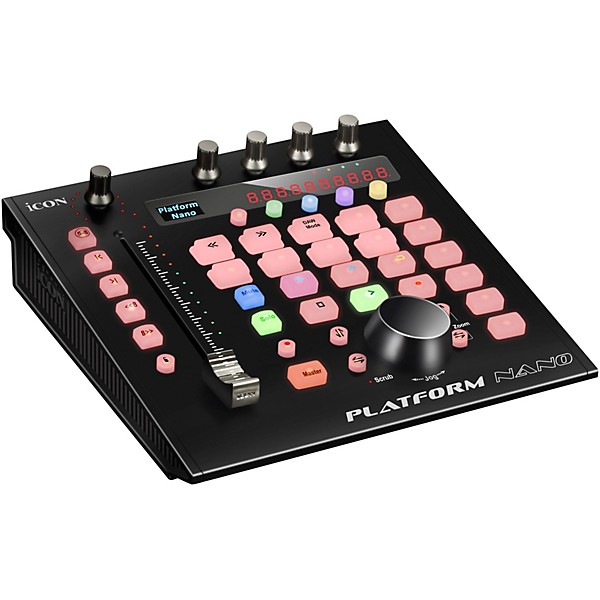
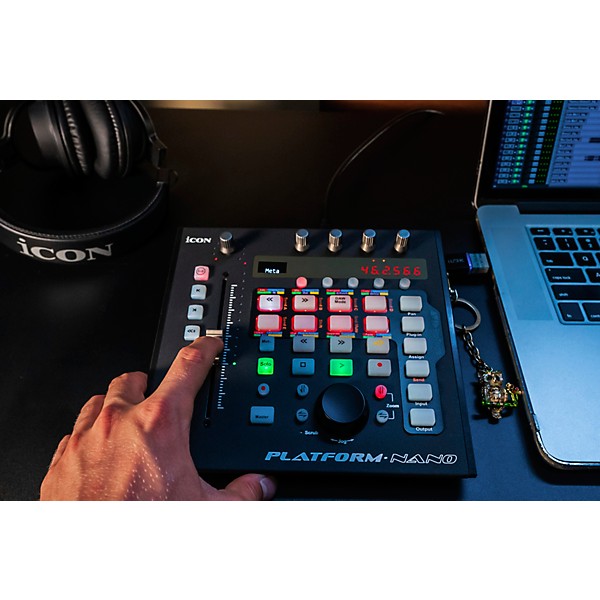
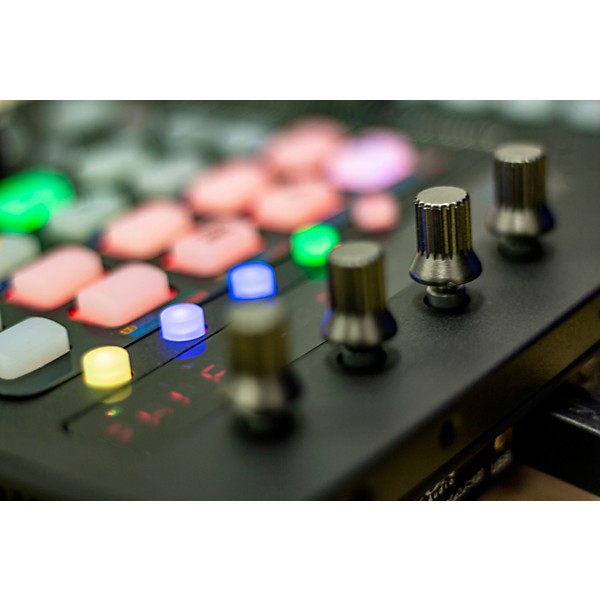
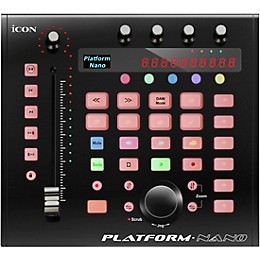
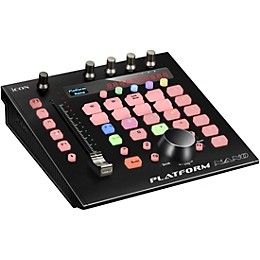
The Platform Nano is a MIDI control surface for producers, engineers, musicians and home studio enthusiasts who want hands-on control of their modern “in the box” digital music production. The Platform Nano adds tactile control with one full-sized motorized fader and four rotary dual-function encoder knobs. Backlit buttons for Mute, Solo, Automation and Transport control, a jog wheel are provided to access to your entire mix by banking across tracks in groups of 8 or 1 channel at a time.
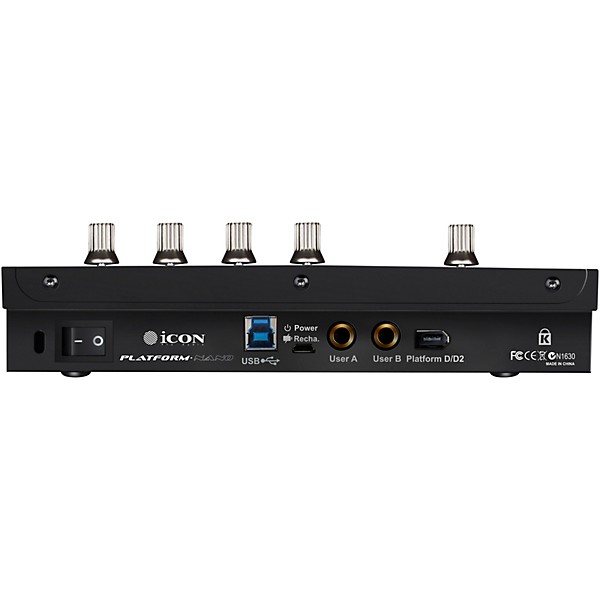
If you are looking for a portable, wireless solution to control your DAW, look no further. The PN-1 optional module adds a rechargeable battery and Bluetooth connectivity to the Platfrom NANO, making it the first fully wireless DAW control surface. This is ideal in a variety of situations, such as giving artists the ability to set their monitor or reverb level in the vocal booth, or engineers to set levels from different listening positions.
Mackie Control and HUI protocols provide seamless integration with most popular Digital Audio Workstations. Overlays for Cubase, Nuendo, Ableton Live, ProTools, Logic, Reason, Studio One, Bitwig, FL Studio, Adobe Audition, Digital Performer, Sonar, Samplitude and Reaper come standard with your controller.
Included free software
The Phantom Nano comes with free recording software, such as Harrison 32C Vocal Intensity Processor, a "greatest hits" collection of features from Harrison's analog console heritage, Harrison AVA plug-ins and Mixbus32C workstation; Tracktion DAW Essentials, a collection of 16 contemporary FX plug-ins for use with any DAW; Dotec Audio plug-ins for streaming, podcasting, recording and mixing; and Bitwig Studio 8-Track, the trim and effective digital audio workstation to start producing, performing and designing sounds like a pro, all available via download upon purchase and registration
Included free software
The Phantom Nano comes with free recording software, such as Harrison 32C Vocal Intensity Processor, a "greatest hits" collection of features from Harrison's analog console heritage, Harrison AVA plug-ins and Mixbus32C workstation; Tracktion DAW Essentials, a collection of 16 contemporary FX plug-ins for use with any DAW; Dotec Audio plug-ins for streaming, podcasting, recording and mixing; and Bitwig Studio 8-Track, the trim and effective digital audio workstation to start producing, performing and designing sounds like a pro, all available via download upon purchase and registration
Features
- Harrison 32C Vocal Intensity Processor, a "greatest hits" collection of features from Harrison's analog console heritage, Harrison AVA plug-ins and Mixbus32C workstation
- Tracktion DAW Essentials, a collection of 16 contemporary FX plug-ins for use with any DAW
- Dotec Audio plug-ins for streaming, podcasting, recording and mixing
- Bitwig Studio 8-Track, the trim and effective digital audio workstation to start producing, performing and designing sounds like a pro, all available via download upon purchase and registration
- Operating system compatibility
- Class-compliant with macOS Big Sur (M1 and Intel Compatible), Windows 10 and Windows 8/7 (32 & 64-bit)
Reviews
5
1 Reviews
100%
of respondents would recommend this to a friend
Filters
Describe Yourself
- Heavy Duty User1
Pros
- Easy To Install1
- Fast1
- Highly Compatible1
- Layer buttons give lots of extra functionality1
- Quiet1
Reviewed by 1 customers
Best small control surface for the money, read below!
submitted6 years ago
byAl Green
fromNYC
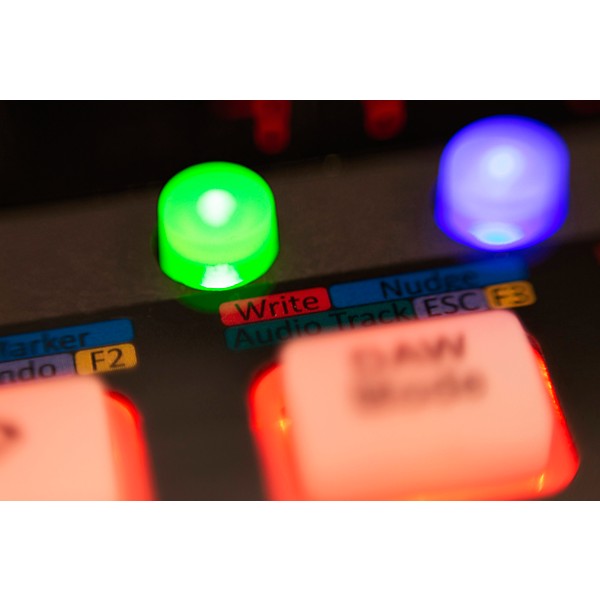
I'm somewhat of a control surface junkie. I've owned Behringer X touch and this is so much better for one main reason. They have a feature called layer buttons. There are 5 color coded buttons. Once you press them it added an d extra layer of functions to your control surface. If you press the purple button then it allows you to do 5 functions, then green button five more and so on. If you love NOT having to touch your mouse for the price this is the way to go.
- Previous
- 1
- Next
Q&A
Have a question about this product? Our expert Gear Advisers have the answers.
No results but…
You can be the first to ask a new question.
It may be Answered within 48 hours.
Be the first to know about exclusive offers, tips and more.

866-498-7882 English
877-687-5402 Español