


TubeDigitalBoards
.jpeg)

Pro Gear Advisers
•866-498-7882
Guitars
Guitars
Amps & Effects
Amps & Effects
Used & Vintage
Keyboards & MIDI
Keyboards & MIDI
Drums
Drums
DJ Equipment
DJ Equipment
Basses
Basses
Recording
Recording
Live Sound
Live Sound
Accessories
Accessories
Mics & Wireless
Mics & Wireless
Music Software
Music Software
Lighting
Lighting
- Popular Brands
Band & Orchestra
Band & Orchestra
Platinum Gear
Deals
New Arrivals
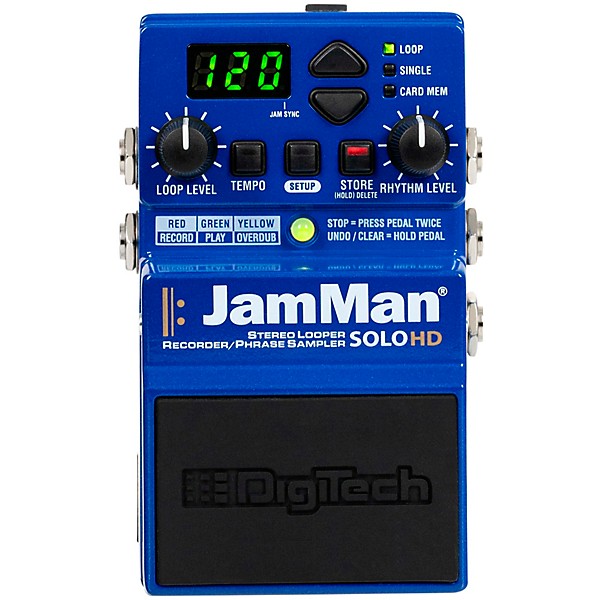
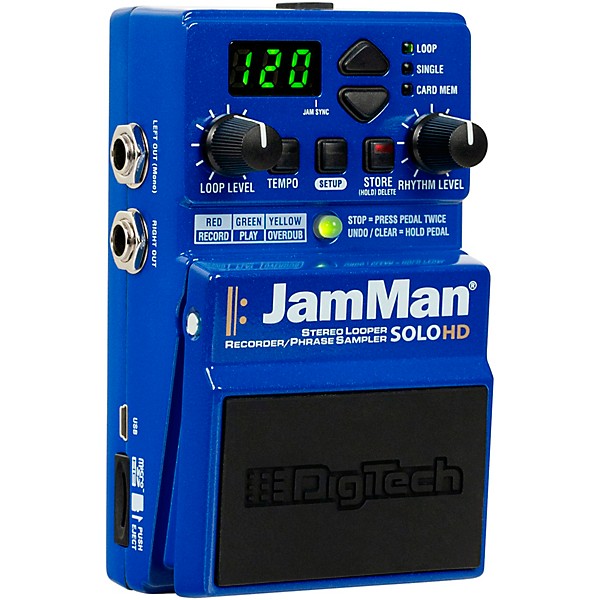
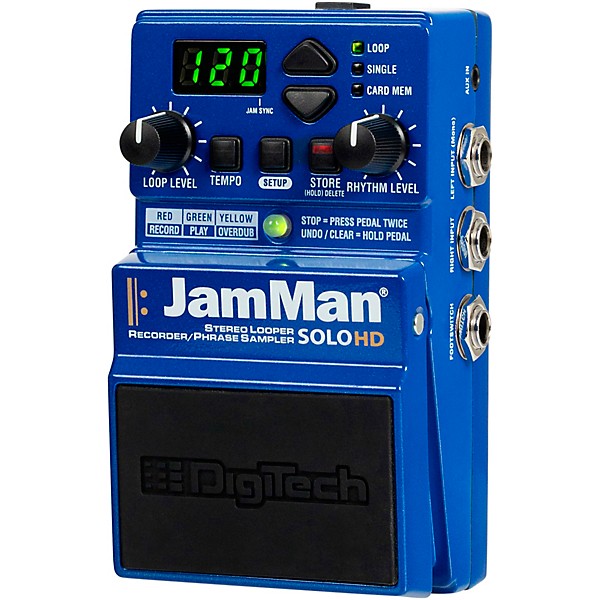
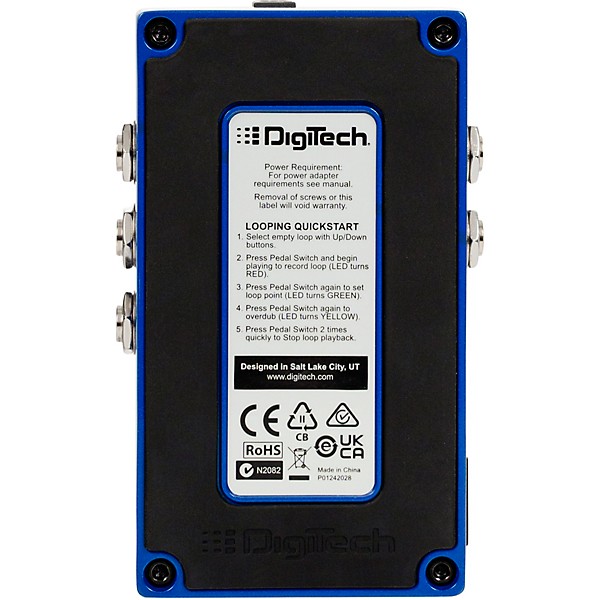
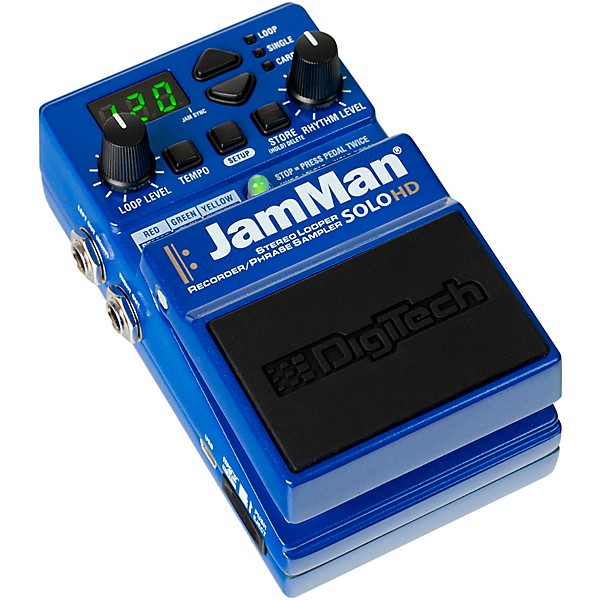
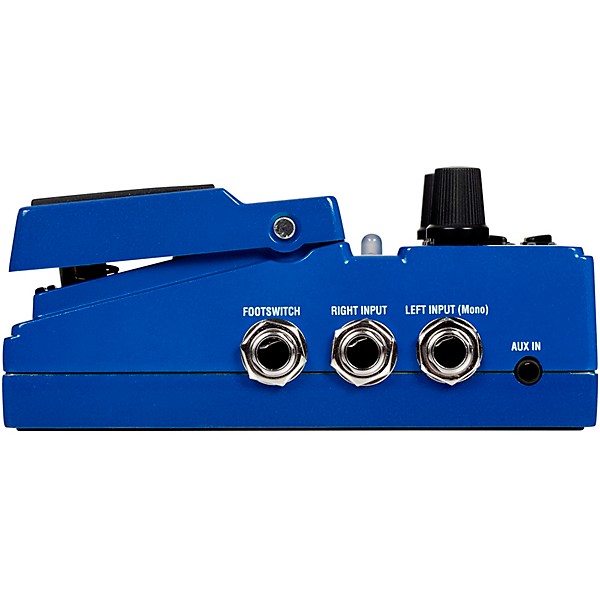
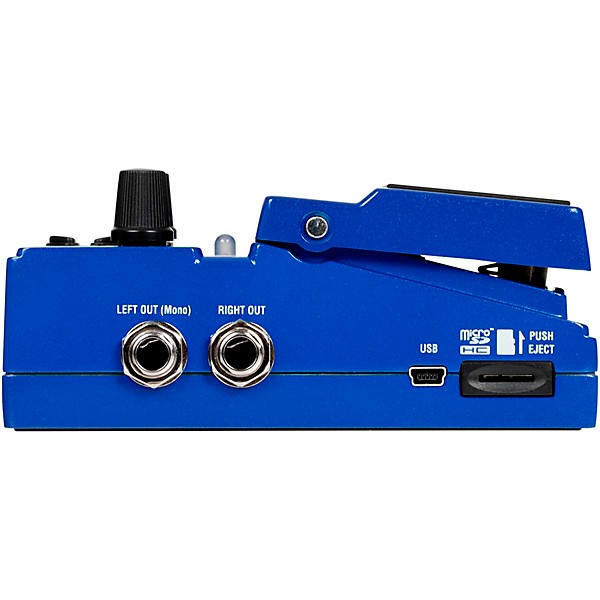
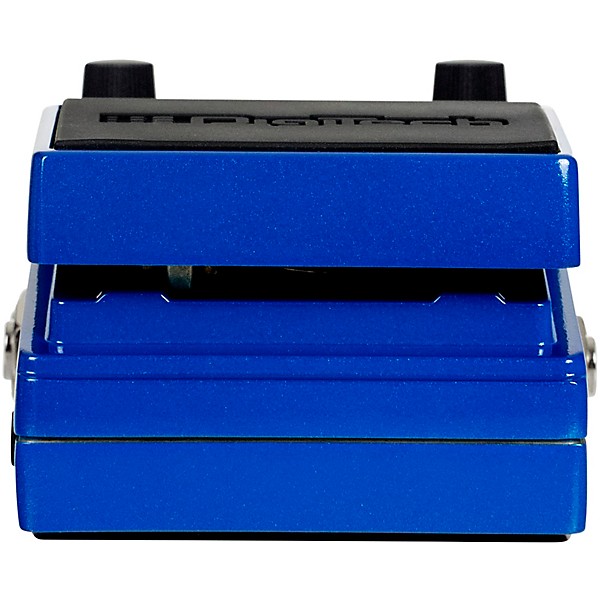
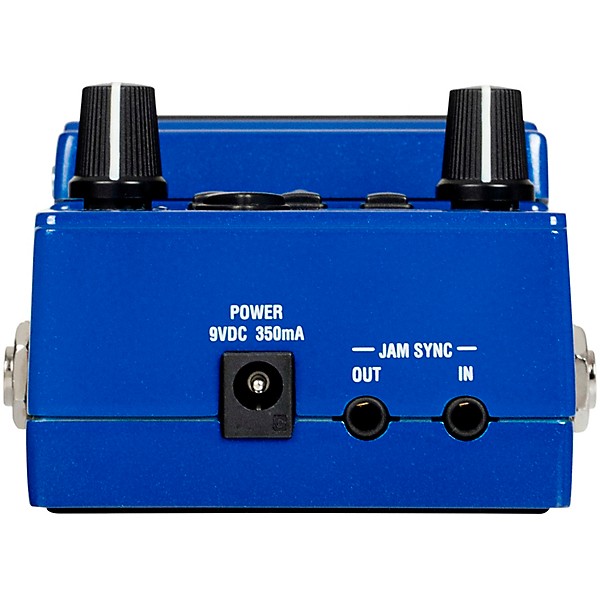
DigiTech JamMan Solo HD Stereo Looper Effects Pedal Blue
$249.99
6-month special financing^ + $12 back in Rewards** Limited time Learn More
Lease-To-Own Purchase OptionsLearn more

Protect your gearLearn more
Cover drops, spills or cracks with Pro Coverage

Need Help?

Description
The DigiTech JamMan Solo HD stereo looper effects pedal gives you an innovative way to craft and layer your sound. With up to 16 hours of recording time using an SD card, you'll have ample space to build an sonic masterpiece. JamSync automatically synchronizes with other JamMan loopers to open up endless creative possibilities. The high-definition AD/DA converters ensure pristine audio quality so your loops sound as good as the original source. Additional features like the JamManager HD software and included Drum Tracks will help you elevate your looping. Whether you play guitar, bass, keys or vocals, the JamMan Solo HD is an essential tool for developing your technique and finding your voice.
Massive Looping Capacity
With 35 minutes of onboard memory and expandable SD card storage, the JamMan Solo HD provides seemingly endless looping time. You can store over 16 hours of CD-quality audio on a 32GB card, enough space for hundreds of loops. The USB port lets you easily transfer WAV files between the JamMan Solo HD and your computer. The 10 drum tracks give you instant rhythm accompaniment or use the aux input to loop external audio sources. Whatever you want to loop, the JamMan Solo HD has the memory and I/O options to handle it.
High-Definition Audio Quality
With pristine 24-bit AD/DA conversion and a frequency response of 20Hz to 20kHz, the JamMan Solo HD provides CD-quality audio and wide dynamic range. Your loops will sound full, natural and musical. The high-definition audio ensures great results whether you're looping vocals, guitar, bass, keys or other instruments. Crisp highs, rich lows and an open midrange mean your loops sound as good as the original source. For the best possible tone, the JamMan Solo HD's high-definition design is ideal.
Expand Your Creative Power
The JamMan Solo HD Stereo Looper Effects Pedal opens the door to new creative possibilities. Link multiple units together with JamSync to synchronize loops and build full arrangements. The pedal's AUX input lets you loop stereo instruments or other audio sources. You can transfer loops to your computer to manipulate in the included JamManager loop librarian software, then load them back onto the JamMan Solo HD. With 16 hours of potential looping time using a microSD card, your only limit is your imagination. Plus, you can groove along to 10 high-quality drum tracks recorded by the legendary Pat Mastelotto of King Crimson. These professionally crafted tracks add depth and dimension to your loops, making your performances and recordings even more captivating. Let your creativity soar with these powerful tools at your fingertips.
Simple, Intuitive Operation
Despite its powerful features, the JamMan Solo HD is easy to use. A single button starts and stops recording or playback, while the footswitch provides hands-free control. The LED display shows loop time remaining, tempo and other settings at a glance. Pressing the tempo button lets you manually enter the desired BPM. Whether onstage or in the studio, the JamMan Solo HD's simple, intuitive interface lets you focus on your creativity rather than technical details.
Features
- 16 hours of looping time with SD card storage
- High-definition 24-bit AD/DA conversion
- JamSync synchronizes loops with other JamMan units
- Built-in drum tracks for instant rhythm accompaniment
- USB port for easy WAV file transfer
- AUX input for looping external audio sources
- JamManager HD software for loop management
- Simple, intuitive interface with LED display
Specs
Power
- Power supply: PS0920DC-01 power supply
- A/D D/A converters: Low-Noise 216kHz 32-bit AD/DA
- Sample rate: 44.1kHz
- Stereo looper engine with essentially unlimited recording time via SD Card
- Three stop modes: Fade, Finish, Instant
- Non-destructive reverse function
- Glitch-free time stretching
- Nine different rhythm guide tracks
- 10 drum loops from Pat Mastelotto
- Silent clear via FS3X external footswitch
- Rock solid JamSync controls start and stop over multiple Jam Loopers
- 35 minutes of onboard storage
- Back up and load WAV loops via USB using JamManager HD
- Inputs: 2 x 1/4" Instrument, 1/4" 3-button footswitch
- Outputs: 2 x 1/4" Instrument (L/R)
- Other I/O: USB
- Dimensions: 5" x 2.75" x 2.1" (LxWxH)
- Weight: ~0.8 lb.
- Chassis material: Metal
- Warranty: 1 year
- Software: Looper Librarian: JamManager HD
Warranty
One year warranty. 6 year extended warranty for X series if registered by customer.
Featured Articles
Reviews
5
2 Reviews
100%
of respondents would recommend this to a friend
Filters
Best Uses
- Amateur Recording2
- Home Studio2
Cons
- Difficult To Use2
- Not Durable2
Describe Yourself
- Child2
Pros
- Compact2
- Excellent Sound Quality2
- Good Selection Of Effects2
Reviewed by 2 customers
DigitalTech JamMan
submitted6 months ago
byBJ
fromSchaumburg
DigitalTech JamMan 31 Patterns 00 16 Beat 01 8 Beat 02 pops 03 Rock 04 Swing 05 Slow Rock 06 Shuffle 07 March 08 Samba 09 Waltz 10 Rap 11 Pops 12 Rock 13 Jazz 14 House 15 Funk 16 Latin 17 Carnival 18 Country 19 Classical 20 Cheer 21 Fanfare 22 Hopper 23 Computer Sound 24 Horror 25 Child's Play 26 Orient 27 Jungle 28 Accident 29 Comedy 30 Bagpiper 31 Van Halen Humans Being
Rhythm Patterns
submitted6 months ago
byBJ
fromSchaumburg
DigitalTech JamMan 31 Patterns 00 16 Beat 01 8 Beat 02 pops 03 Rock 04 Swing 05 Slow Rock 06 Shuffle 07 March 08 Samba 09 Waltz 10 Rap 11 Pops 12 Rock 13 Jazz 14 House 15 Funk 16 Latin 17 Carnival 18 Country 19 Classical 20 Cheer 21 Fanfare 22 Hopper 23 Computer Sound 24 Horror 25 Child's Play 26 Orient 27 Jungle 28 Accident 29 Comedy 30 Bagpiper 31 Van Halen Humans Being
- Previous
- 1
- Next
Q&A
Have a question about this product? Our expert Gear Advisers have the answers.
submitted7 months ago
asked byMarigold
fromOhio
How do you mute the drum track?
To mute the drum track (Rhythm Guide) on the DigiTech JamMan Solo HD, follow these steps: Press the SETUP button four times until the display shows rHy, indicating the Rhythm Type setting. Use the UP or DOWN buttons to select OFF. This setting disables the drum track. Press the STORE button twice to save the changesubmitteda year ago
asked byMan
fromChicago Illinois
Can you slow down loops
Yes, you can.
Be the first to know about exclusive offers, tips and more.

866-498-7882 English
877-687-5402 Español