


TubeDigitalBoards


Pro Gear Advisers
•866-498-7882
Guitars
Guitars
Amps & Effects
Amps & Effects
Used & Vintage
Keyboards & MIDI
Keyboards & MIDI
Drums
Drums
DJ Equipment
DJ Equipment
Basses
Basses
Recording
Recording
Live Sound
Live Sound
Accessories
Accessories
Mics & Wireless
Mics & Wireless
Music Software
Music Software
Lighting
Lighting
- Popular Brands
Band & Orchestra
Band & Orchestra
Platinum Gear
Deals
Open Box
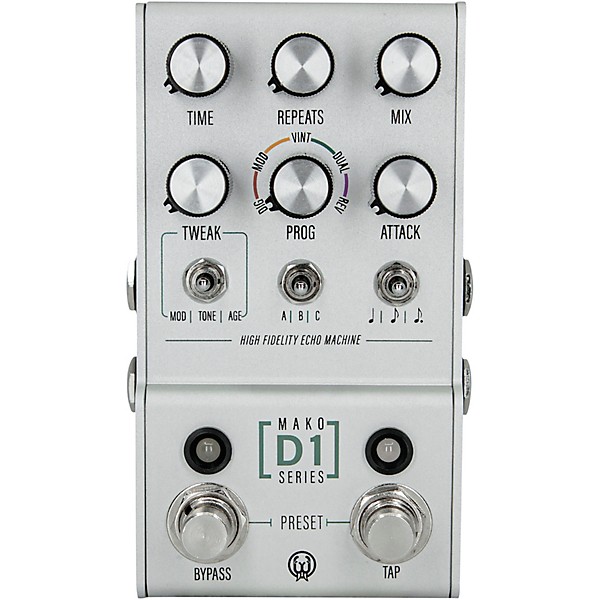
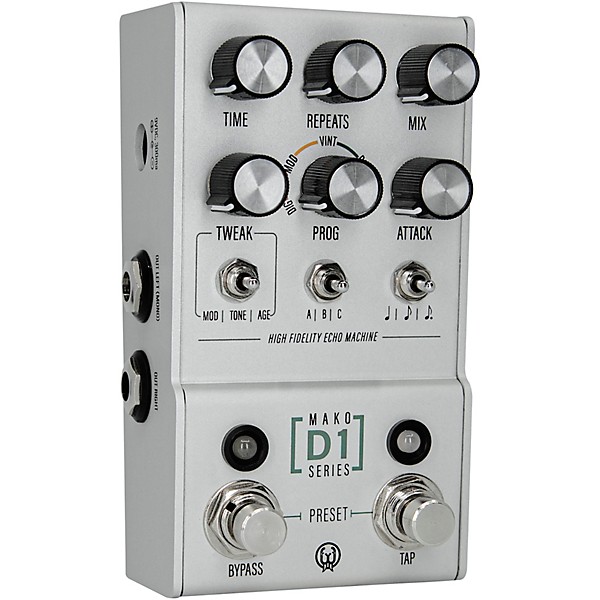
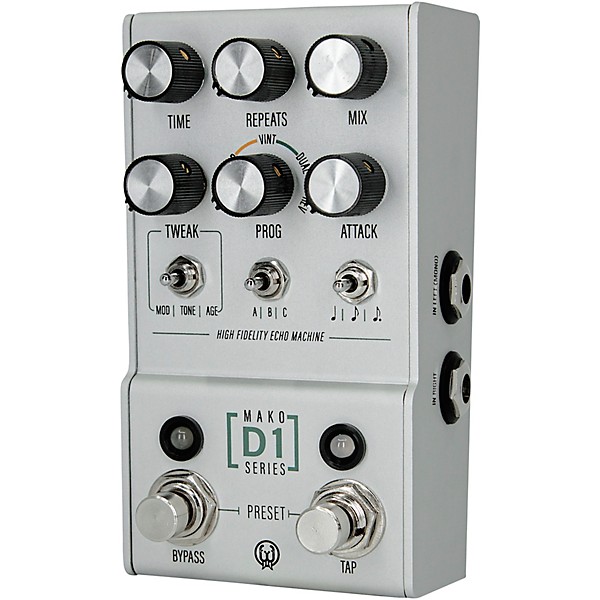
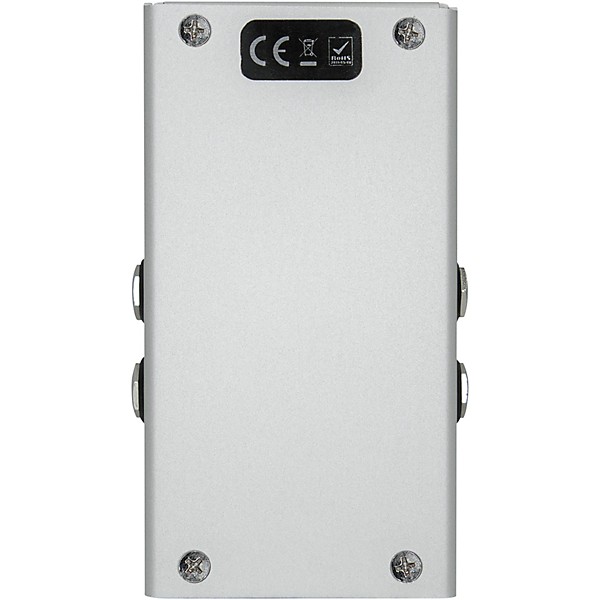
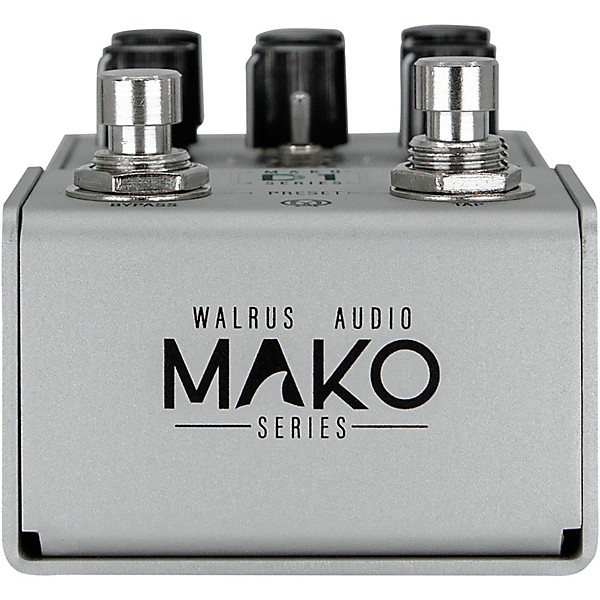
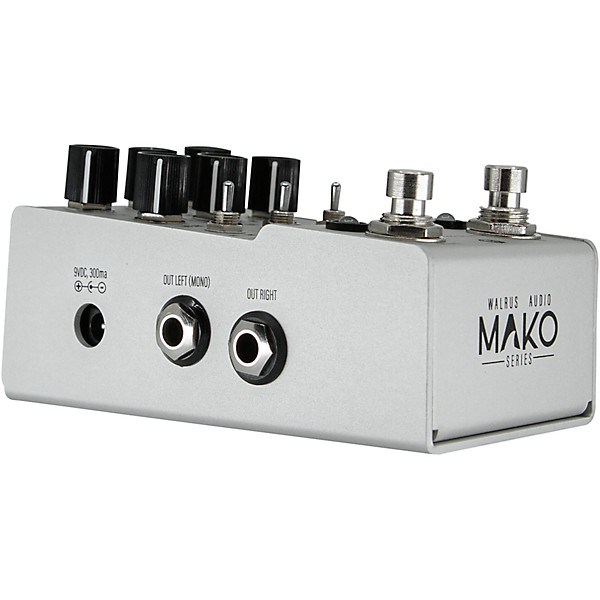
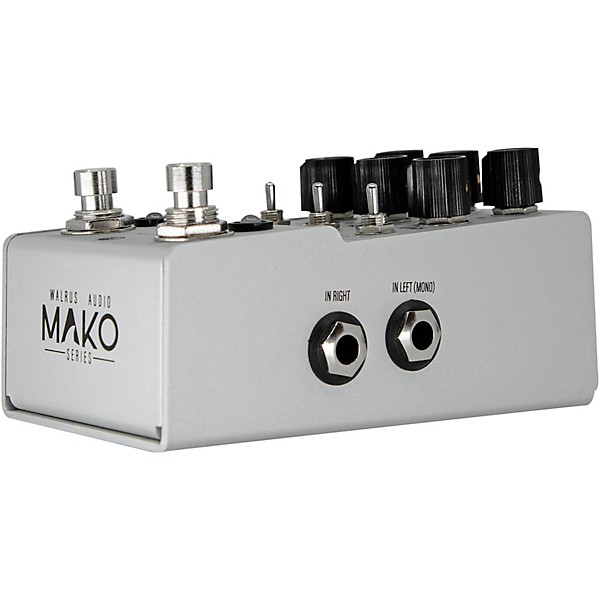
Open Box Walrus Audio Mako Series D1 Delay Effects Pedal Level 2 Silver 197881401504
Condition:Open Box - Blemished
$239.20
6-month special financing^ + $11 back in Rewards** Limited time Learn More
Lease-To-Own Purchase OptionsLearn more

Protect your gearLearn more
Cover drops, spills or cracks with Pro Coverage

Need Help?
Videos (2)
View All
Walrus Audio Mako Series D1 Delay | NAMM 2020

Walrus Audio Mako Series: D1 High-Fidelity Stereo Delay

Description
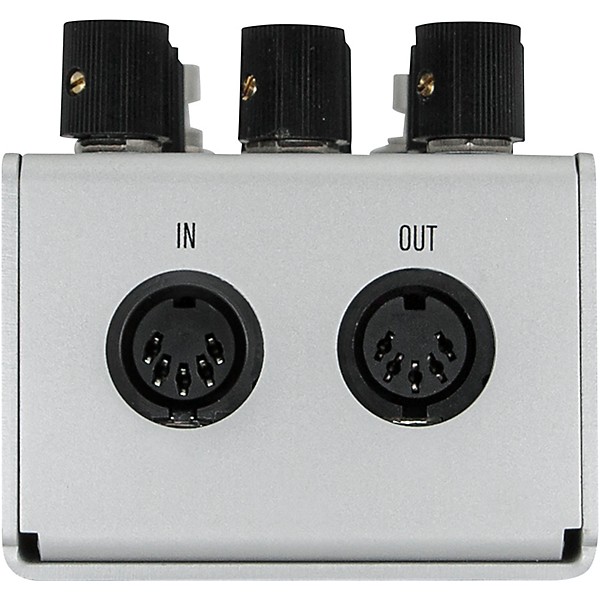
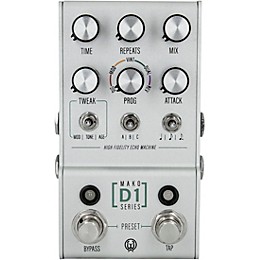
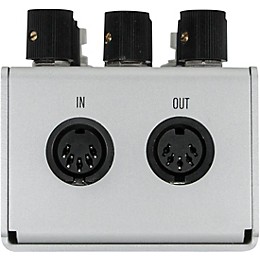
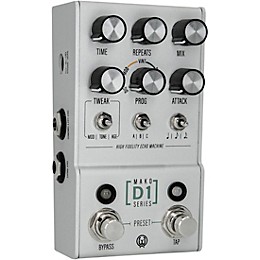
The first in the Walrus Audio Mako series, the D1 is a powerful multi-function delay with five, studio grade, high-fidelity, custom-tuned programs. The programs are Digital, Mod, Vintage, Dual and Reverse. Each can be tuned and tweaked with modulation, tone, age, and subdivisions. The attack knob adds another dynamic to each program, opening up a new world for creating soundscapes. The D1 boasts stereo in and out, midi control and on-board presets. A workhorse of a delay that is just as ready for the road as it is the studio.
Each program can be fully customized to your taste and playing style with the Tweak knob. Flip the toggle switch to Mod to bring in a tasteful modulation to your delay trails. Tone will brighten or darken your delay trails. Age will add some grit and wear reminiscent of vintage delay units. Subdivisions can be easily changed between quarter, eighth and dotted eighth.
The Attack knob will soften the attack of the echoes. Dreamy and ethereal soundscapes can be created with higher repeat and attack settings.
Presets
The D1 is capable of saving up to nine on-board presets and up to 128 are accessible via midi. Onboard presets are accessible with the bank switch. Cycle between presets in each bank by pressing bypass and tap at the same time. You will see the tap LED change from Red to Green to Blue. Any adjustments made in a preset will change the tap LED to purple to show that you have edited the preset. Refer to the manual for accessing and saving presets via midi.
Bypass and Tempo Modes
The D1 has three different bypass modes. True bypass, DSP+True Bypass (trails), and DSP Bypass. The D1 offers global and preset tempo modes. Global mode keeps the tempo the same when changing presets. Preset tempo will use the delay time that was stored when the preset was saved. Refer to the manual for more info on switching modes.
Momentary Functions
Press and hold the bypass switch to ramp up the repeats of the delay. Release to set the feedback back to the knob location.
Each program can be fully customized to your taste and playing style with the Tweak knob. Flip the toggle switch to Mod to bring in a tasteful modulation to your delay trails. Tone will brighten or darken your delay trails. Age will add some grit and wear reminiscent of vintage delay units. Subdivisions can be easily changed between quarter, eighth and dotted eighth.
The Attack knob will soften the attack of the echoes. Dreamy and ethereal soundscapes can be created with higher repeat and attack settings.
Presets
The D1 is capable of saving up to nine on-board presets and up to 128 are accessible via midi. Onboard presets are accessible with the bank switch. Cycle between presets in each bank by pressing bypass and tap at the same time. You will see the tap LED change from Red to Green to Blue. Any adjustments made in a preset will change the tap LED to purple to show that you have edited the preset. Refer to the manual for accessing and saving presets via midi.
Bypass and Tempo Modes
The D1 has three different bypass modes. True bypass, DSP+True Bypass (trails), and DSP Bypass. The D1 offers global and preset tempo modes. Global mode keeps the tempo the same when changing presets. Preset tempo will use the delay time that was stored when the preset was saved. Refer to the manual for more info on switching modes.
Momentary Functions
Press and hold the bypass switch to ramp up the repeats of the delay. Release to set the feedback back to the knob location.
Specs
- Power requirements: 9VDC (300mA minimum) (power supply sold separately)
- Dimensions: 4.9" x 2.52" x 2.64"
Featured Articles
Reviews
5
2 Reviews
100%
of respondents would recommend this to a friend
Filters
Best Uses
- Home Studio2
- Performances2
- Professional Recording2
- Amateur Recording1
Describe Yourself
- Experienced1
- Novice1
Pros
- Compact2
- Excellent Sound Quality2
- Versatile2
- Good Selection Of Effects1
Reviewed by 2 customers
made my delay Day !
submitted4 years ago
byRick
fromIndianapolis,Indiana
this is very versatile and the tones are pristine. easy to navigate __________ recall 3 presets in one bank ! dial in tape age and modulation to taste !
Great sounds
submitted4 years ago
byJon
fromAlbany, GA
Excellent sounds all around. Great value.
- Previous
- 1
- Next
Q&A
Have a question about this product? Our expert Gear Advisers have the answers.
No results but…
You can be the first to ask a new question.
It may be Answered within 48 hours.
Be the first to know about exclusive offers, tips and more.

866-498-7882 English
877-687-5402 Español