



DigitalPianistSynths


Pro Gear Advisers
•866-498-7882
Guitars
Guitars
Amps & Effects
Amps & Effects
Used & Vintage
Keyboards & MIDI
Keyboards & MIDI
Drums
Drums
DJ Equipment
DJ Equipment
Basses
Basses
Recording
Recording
Live Sound
Live Sound
Accessories
Accessories
Mics & Wireless
Mics & Wireless
Music Software
Music Software
Lighting
Lighting
- Popular Brands
Band & Orchestra
Band & Orchestra
Platinum Gear
Deals
Videos (1)
View All
Alesis V49 USB/MIDI Keyboard Controller Overview

Description
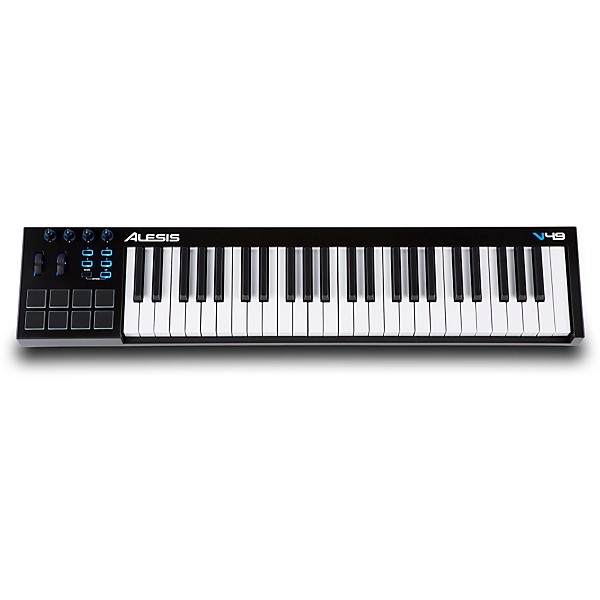
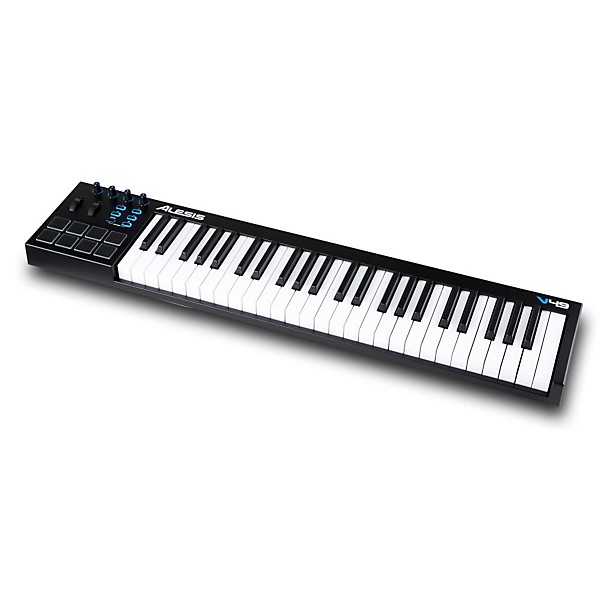
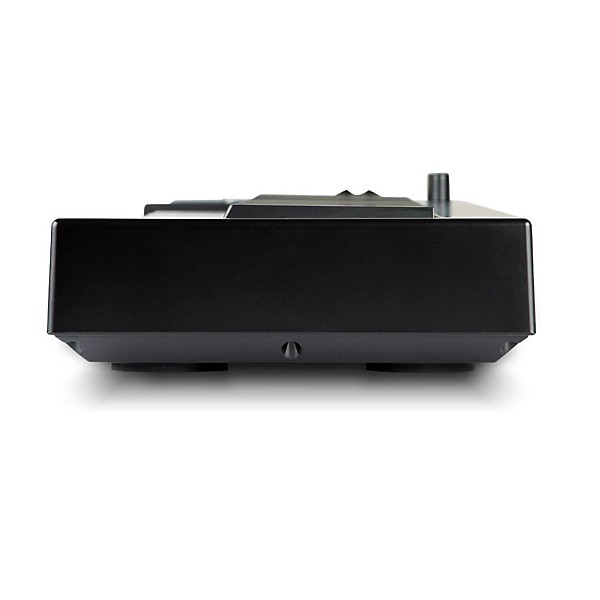
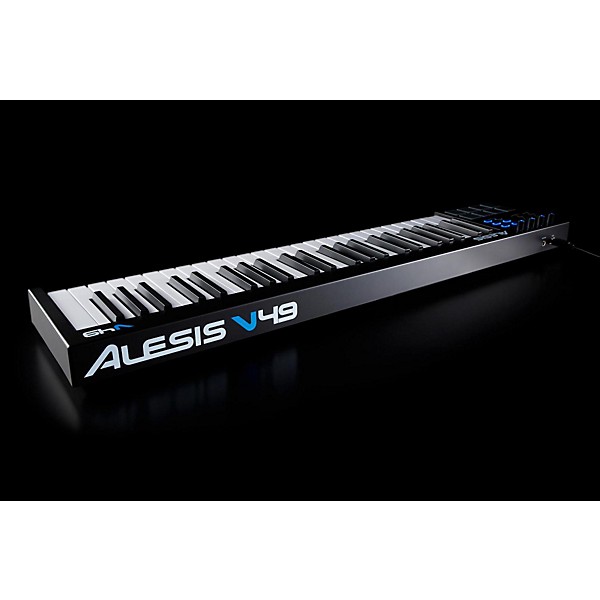
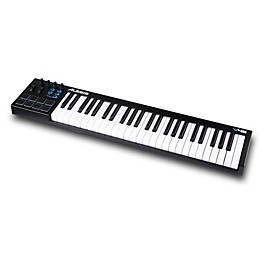
Feel the expression of playing on full-sized keys, but in a compact sized controller that will easily integrate into any desktop production setup. Introducing the V49 Keyboard Controller with 49 full-sized, square-front keys, eight LED backlit touchpads with velocity and pressure sensitivity, four assignable knobs and four assignable buttons, pitch and mod wheels with expressive control and seamless visual feedback from the illuminated buttons and knobs. The V49 is everything you need in a keyboard controller, without the space and size of some much larger, feature enhanced versions.
The Alesis V Series adds dynamic expression to your virtual instruments. Cool blue LEDs illuminate the pads-as well as the four assignable knobs and buttons-for positive visibility. Assignments may be made quickly via the MIDI Learn feature. Octave shift keys provide access to the entire note range. A single USB cable provides both a power and data connection to nearly any computer.
The Alesis V Series adds dynamic expression to your virtual instruments. Cool blue LEDs illuminate the pads-as well as the four assignable knobs and buttons-for positive visibility. Assignments may be made quickly via the MIDI Learn feature. Octave shift keys provide access to the entire note range. A single USB cable provides both a power and data connection to nearly any computer.
Features
- 49 full-sized, square-front keys
- 8 LED backlit pads respond to both velocity and pressure
- Perfect for controlling plug-ins and virtual instruments
- 4 assignable knobs; 4 assignable buttons
- Pitch & Mod wheels deliver expressive, creative control
- Seamless visual feedback via illuminated buttons/knobs
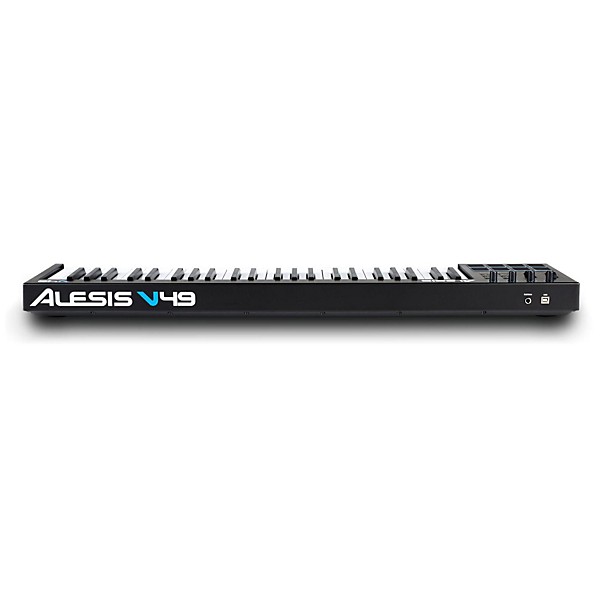
- Single USB cable provides both power and MIDI data
- Includes Ableton Live Lite Alesis Edition & MIDI editor software
Reviews
3.2
15 Reviews
64%
of respondents would recommend this to a friend
Most Liked Positive Review
4
Small adjustment needed but it's a great deal!
I wanted a MIDI controller with enough good features for the price, this one was the best one. I have played MOTIF and high end AKAI keyboards before even though it doesn't compare, for the price its amazing. Out of the box I noticed while I was going into Logic the keys were touchy, the curve of the sensitivity of they keys were way off for me. I tried to see if the software could fix it and there is a curve setting for the keys. I tried changing it from 1-8 which are all the curve settings and it didn't do anything having to find out you have to send the setting to the device(V49) so it will save it. It works great now! The keys feel fine and all the settable knobs and drum pads feel great! They light up too! I highly recommend this one for a home recording studio or a secondary controller for a live set up. Thats exactly what I use it for! Just make sure you have the curve setting that you like and send the setting to the hardware device to change it on the keyboard.
VS
Most Liked Negative Review
1
Keys are unresponsive
My experience with this product has been frustrating and very disappointing. When I first plugged it in I had to poke the keys very forcefully to get any response from this device. I downloaded the V49 editor software hoping that would help me fix the problem, but my Norton Antivirus kept rejecting the exe file. I posted a request for help on the Alesis support website last week - no response. So, I called them on the phone, waited 45 minutes on hold, and a technician told me there was nothing wrong with the V49 Editor software, and that I should try again to load the software and reset the velocity on the keys to "1". When I finally got the V49 Editor installed, I reset the velocity for the keys from 4 to 1 - and this made a marginal improvement - but the keyboard sensitivity at 1 is still unacceptably unresponsive. I also have discovered that the V49 seems to default the velocity on the keys back to 4. So I have to keep resetting the velocity. I really tried to make this work out of customer loyalty to Alesis because I have one of their other products - which I am very happy with - their SR-16 drum machine. However, I am throwing in the towel on this V49 - I am going to return it.
Filters
Best Uses
- Practicing3
- Recording3
- Back-Up2
- Midi recording1
- Recording/Producing1
Cons
- Difficult To Use2
- Poor Quality1
- Hard to Figure Out1
- Printer Cable Sticks Out1
- Software Is Hard To Learn1
Describe Yourself
- Experienced5
- Professional Musician4
- Novice1
Pros
- Easy To Use6
- Functional6
- Good Quality5
- Good Price / Value1
- Best bang for the buck1
Reviewed by 15 customers
Compact and sturdy, but bad velocity sensitivity
submitted4 years ago
byEd
fromIllinois
I am happy with the build and feel of this keyboard. It is very sturdy, I like the square edge of the keys, and don't mind the slightly stiffer feel. I am not happy with the velocity sensitivity, nor the options to adjust it. No matter what option (there are 8 when you use the editor) there is a problem with loud notes suddenly jumping out, which is very unnatural. I also do not like how when using the editor, I cannot hear the changes as they are being made, but rather, have to make the changes first, save them, then send them to the keyboard to hear the difference. That is an inconvenience, but the velocity problem (and options) are a much bigger problem. Knowing this, I'd probably look harder for something better.
yes
submitted5 years ago
byJomo
fromLos Angeles
No Complaints
the company alesis sucks
submitted5 years ago
byjohndsigns
frompahrump. nv.
I've had a Korg micro for a few years for my FL Studio, but found I missed full size keys....saw a vid on the Alesis v49.....still working on communication w/ my FL Studio, so far so good....I guess they toss a couple of demo programs to download....I never found out....no matter what info I in put, it was "invalid"...[e-mail...password....even ser. #]......the product seems well built, the company.......?
No complaints
submitted6 years ago
byScuba Steve
fromAthens, GA
Perhaps Alesis has updated this keyboard since it was released but I've not had any of the issues that people stated below. It's a no frills keyboard that Works as expected, at a reasonable price. Software is easy to use, just make sure you send the settings to the keyboard once you've selected them.
Perfect for what I wanted it for.
submitted6 years ago
byRicky
fromPortland, ME
I wanted to learn how to play the piano for awhile and couldn't decide what keyboard I wanted. I was between just a normal keyboard or a midi. I have fl studios so I decided to go with the midi so I can use it on fl. It's simple to set up, comes with some programs, and has such a good feel with the keys.
Good for recording!
submitted7 years ago
bycrowjohn
fromdetroit
for recording
Q&A
Have a question about this product? Our expert Gear Advisers have the answers.
submitted5 years ago
asked byMan
fromundisclosed
Can you use this without a computer?
This keyboard controller cannot be used without a computer.submitted6 years ago
asked byJesse
fromLas Vegas, NV
What is the approximate length and width of the product?
9.60 x 37.60 x 4.53 inchessubmitted6 years ago
asked byJess
fromMcAllen,tx
Alesis V49 49-Key Keyboard .... Is this keyboard semi weighted.
Yes it is.submitted7 years ago
asked byJack
fromLexington Sc
Is this good with Logic Pro?
Yes, it will. It will need to be properly configured.
Be the first to know about exclusive offers, tips and more.

866-498-7882 English
877-687-5402 Español