.jpeg)

Pro Gear Advisers
•866-498-7882
Top 5 USB Audio Interfaces
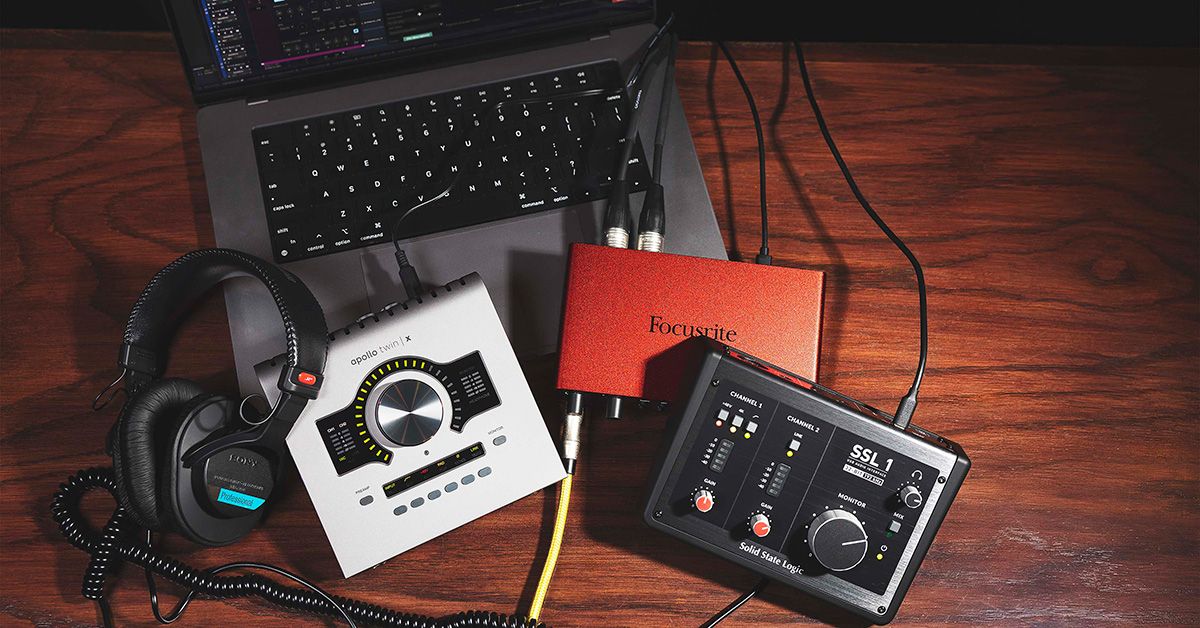

A great performance can happen anywhere—a bedroom, rehearsal space, hotel room—and sometimes you don’t have access to a full-fledged studio.
Paired with a laptop and a couple of cables, a good, compact USB audio interface can help you capture that creative magic, whether you’re in a proper studio or are hitting “record” in the unlikeliest of places.
In 2026, USB audio interfaces put remarkably capable preamps, converters and monitoring tools within reach at surprisingly affordable prices. Whether you’re building your first studio setup or are a seasoned pro looking for a streamlined, budget-friendly recording rig, these five interfaces give you a solid place to start.
Good news: All but one are bus powered, meaning you can simply connect these to your laptop loaded with a DAW via USB, and plug in your mic or instrument of choice to get rolling—no dedicated power cables needed (well, until you reach the final option in this guide).
How We Picked These Interfaces
Curating our Top 5 lists is an exercise in “objective subjectivity” to best serve our community of players. Our content team considers sales figures, customer reviews, longevity and acceptance amongst users and the know-how of the Guitar Center staff as a whole. As a result, our Top 5 articles are populated mostly by editorial picks—just like any media enterprise choosing its top automobiles, restaurants or dishwashers, etc.—but the selections are also informed by real-world experiences.

Our Top 5 Picks for USB Audio Interfaces
Fender Studio Quantum LT 4
What to Know
-
4-in/2-out USB-C interface with two MAX-HD mic preamps
-
Up to 75dB of mic preamp gain
-
Mixer Mode lets you work without a DAW

Sometimes you just want to plug in and get recording before the idea disappears. For those instances and beyond, Fender Studio Quantum LT 4 keeps your workflow refreshingly direct, while leaving plenty of room to grow beyond a bare-bones recording setup. Its two MAX-HD mic preamps provide up to 75dB of gain, while two dedicated 1/4" Hi-Z inputs make plugging in electric guitars and basses easy peasy.
The Quantum LT 4 also offers loopback audio—which reroutes computer audio back into your input—for streaming and content creation, plus the standalone Mixer Mode, which lets the Quantum LT4 function as an analog mixer without firing up your DAW.
Focusrite Scarlett 2i2 Gen 4
What to Know
-
Two mic preamps with a 120dB dynamic range
-
Auto Gain and Clip Safe help keep recording levels in check
-
Two Air modes add presence or harmonic character

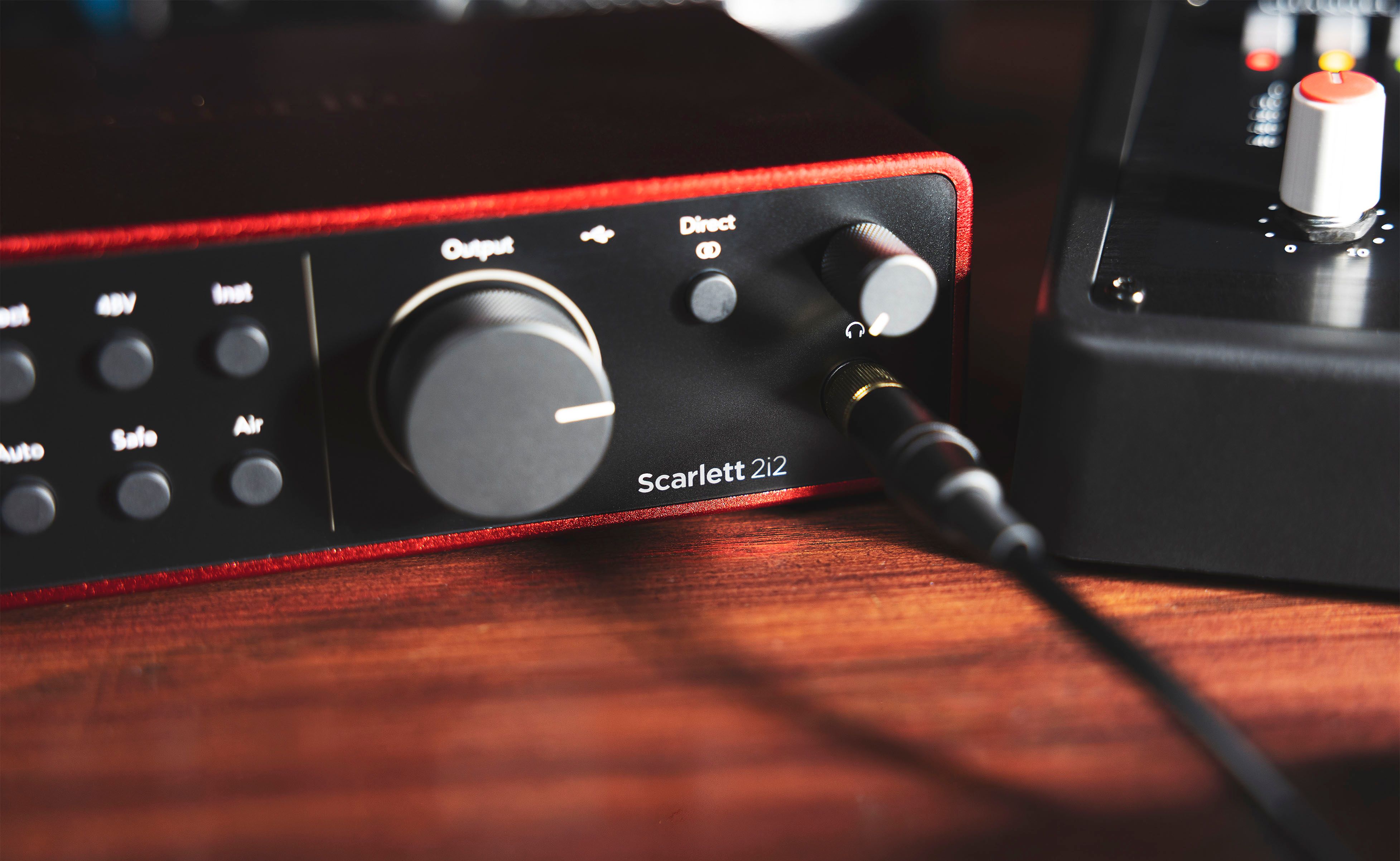
Few pieces of home studio gear are as immediately recognizable as a red Scarlett sitting next to a laptop. The Focusrite Scarlett 2i2 Gen 4 keeps that approachable spirit intact while adding some handy tools that can make getting a clean take considerably easier.
Auto Gain can set your recording level while you perform, and Clip Safe automatically adjusts preamp gain when you're getting dangerously close to clipping. When you want a little more personality on the way in, the two Air modes can bring forward presence or add a little large-format-console-inspired harmonic drive.
Solid State Logic SSL
What to Know
-
SSL mic preamp with Legacy 4K analog enhancement
-
32-bit/192kHz conversion
-
Three stereo loopback channels, great for streaming and content creation

Seeing the SSL name on your desk used to imply a posh zip code and possibly several Gold and Platinum albums adorning the long hallway to your state-of-the-art control room. Lucky for most of us, Solid State Logic SSL 1 distills some of that company's sterling pedigree into a compact setup built around one SSL mic preamp, a separate instrument/line input and next-generation 32-bit/192kHz converters.
Engage Legacy 4K mode when a source needs a little more of the harmonic character associated with SSL's classic 4000-series consoles, or leave it off when clean capture is a priority.
Universal Audio Volt 2
What to Know
-
2-in/2-out interface with two mic preamps
-
Vintage Mic Preamp mode draws inspiration from UA's classic 610 tube preamp
-
5-pin MIDI I/O connects synths, controllers and drum machines

The Universal Audio Volt 2 gives you a choice before the signal even reaches your DAW. Keep it clean as can be, or hit the Vintage button and add some analog flavor on the way in. Its Vintage Mic Preamp mode uses an all-analog circuit inspired by UA's celebrated 610 tube preamp, lending extra richness to vocals, guitars and other sources when pristine isn't quite the sound in your head.
It's also bus-powered and class-compliant, so moving a session from your desktop to a laptop—or a compatible iPhone or iPad—is super straightforward.
Universal Audio Apollo Twin X DUO Gen 2
What to Know
-
Only interface in this guide to require a standard power plug
-
UAD-2 DUO Core processing runs UAD plug-ins with near-zero latency
-
Two Unison-enabled mic/line preamps, plus optical digital expansion

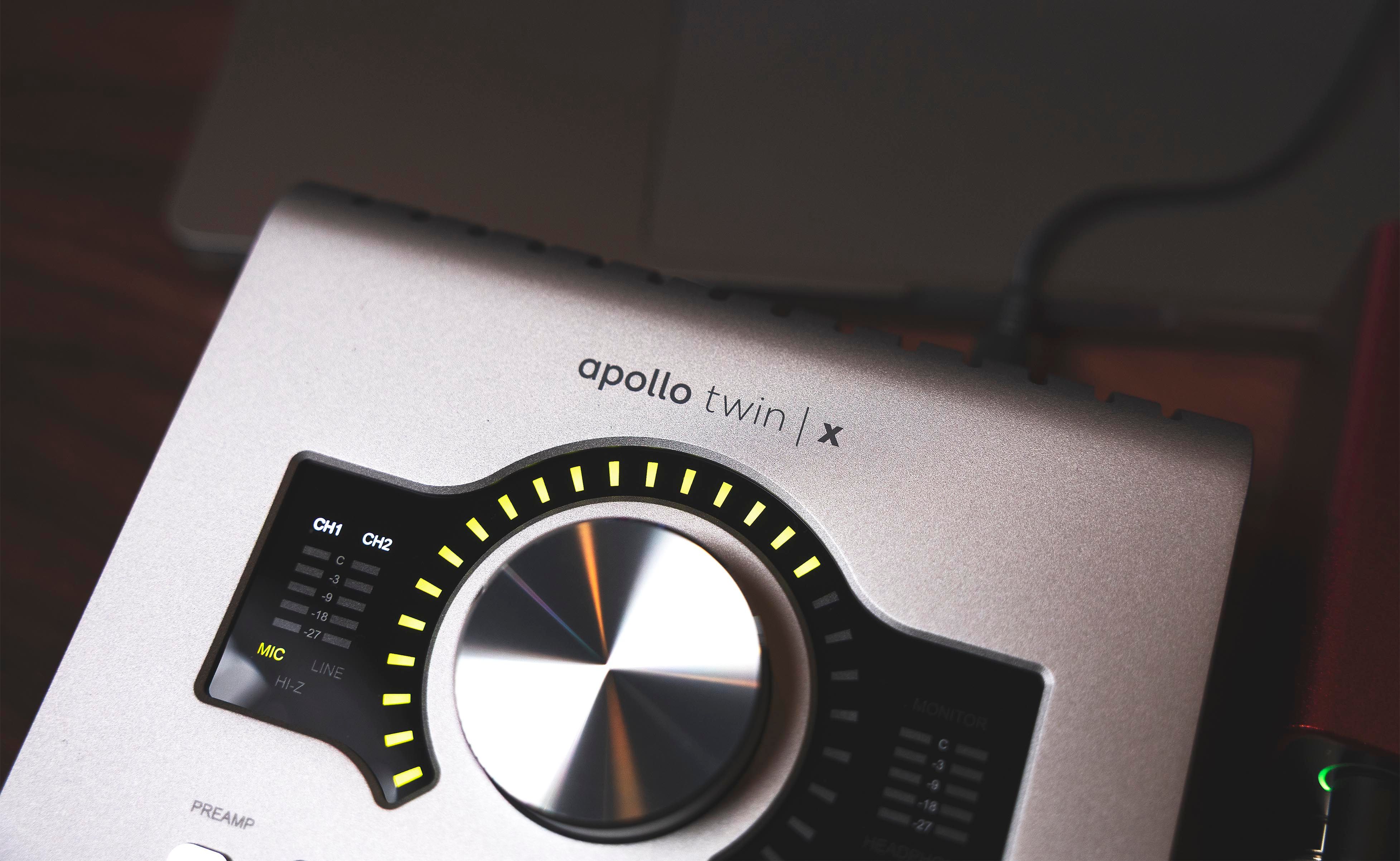
The latest in a massively popular line of higher-end two-preamp desktop interfaces, Universal Audio Apollo Twin X DUO is where this list takes a giant leap toward a full-blown studio centerpiece. Beyond two Unison-enabled mic/line preamps, onboard UAD-2 DUO Core processing lets you track through modeled preamps, compressors, EQs, amps and other UAD plug-ins with extremely low latency.
So, instead of simply capturing a dry signal and sorting out the vibe later, you can monitor through a studio-style signal chain while you're actually performing. Optical ADAT or S/PDIF input also allows up to eight additional digital input channels, giving the Apollo room to expand alongside a growing studio.
Want even more processing power to handle your real-time UAD plug-ins? Go with the Twin X QUAD Gen 2.
Find the Right USB Audio Interface for Your Studio
The best interface is the one that stays out of your way when inspiration shows up. For some players, that means straightforward inputs and automatic gain management. Others may want analog-inspired coloration, MIDI connectivity, loopback capabilities or onboard processing capabilities that can offer an assortment of virtual outboard gear right from the get-go.
Think about what you actually record, how many sources you need to capture at once and how much you want to shape your sound on the way in. Then, pick the interface that makes getting from performance to playback as effortless as possible.
Explore audio interfaces online or at your nearest Guitar Center store, or talk with an expert Gear Adviser for help putting together a recording setup that fits your budget, space and the way you make music.
Written By: Drew Beaupré
Drew Beaupré is a multi-instrumentalist, audio engineer and writer. With a bachelor’s in psychology from Purdue and background as a gigging guitarist and drummer, he began his audio career at the world-famous Westlake Recording Studios, before venturing into live sound engineering for clients such as KCRW, Santa Monica College, CSULA and Nyjah Huston—eventually becoming studio manager at Guordan Banks’ Bank On It Studios in downtown L.A. He also has worked extensively with the industrial band Ministry, as an engineer at Al Jourgensen’s studio, as well as domestic and international touring stage tech for DJ Swamp and Joey Jordison. Prior to writing with Guitar Center, Drew has written for Fender and various music blogs.
Recently Added to Buying Guides
Be the first to know about exclusive offers, tips and more.

866-498-7882 English
877-687-5402 Español