



Gear SpecialistBundlingMusician
.jpeg)

Pro Gear Advisers
•866-498-7882
Guitars
Guitars
Amps & Effects
Amps & Effects
Used & Vintage
Keyboards & MIDI
Keyboards & MIDI
Drums
Drums
DJ Equipment
DJ Equipment
Basses
Basses
Recording
Recording
Live Sound
Live Sound
Accessories
Accessories
Mics & Wireless
Mics & Wireless
Music Software
Music Software
Lighting
Lighting
Band & Orchestra
Band & Orchestra
Platinum Gear
Deals
Deals
New Arrivals
Brands
Brands
Videos (1)
View All
NOTION 5 SOFTWARE BOXED PRODUCT

Description
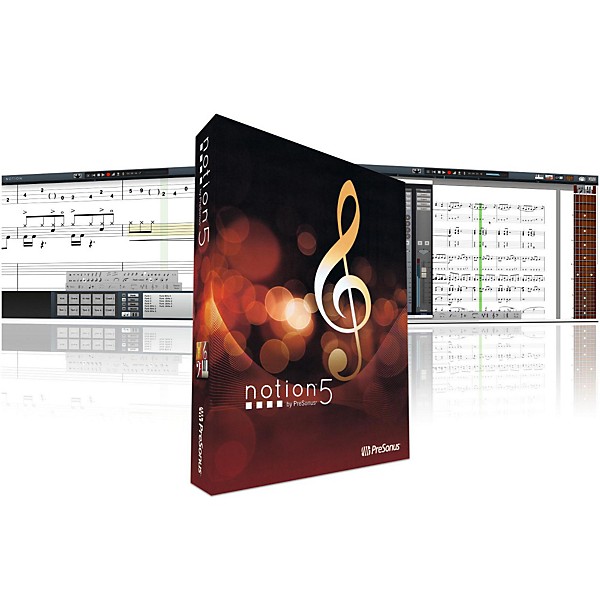
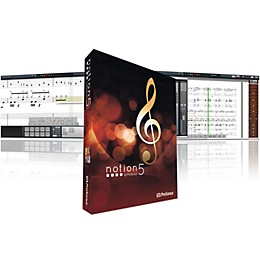
Notion 5 is the latest iteration of PreSonus notation software, and it is faster and more elegant than ever. In the vast jungle of notation suites, Notion 5 distinguishes itself in a number of ways. Perhaps relevant to you, it is the only notation suite that works with a standalone iPad app. But much more than that, its design philosophy and execution align with the real world needs of most musicians who need a notation program in a way that many of the stodgy, traditional notation suites do not.
PreSonus Notion is famed for outstanding playback sounds, speedy workflow, compatibility, and ease of use. It offers powerful features for scoring to picture. And it costs a fraction of what many of the slow, bloated, overcomplicated scoring programs cost. Thats why Notion 5 is a favorite notation software among composers, performers, producers, worship teams, arrangers, orchestrators, educators, and music students.
Hear Your Music Played by World-Class Musicians
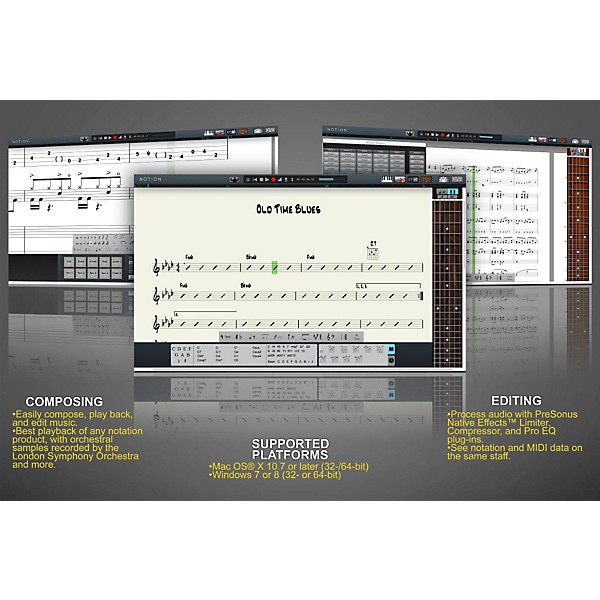
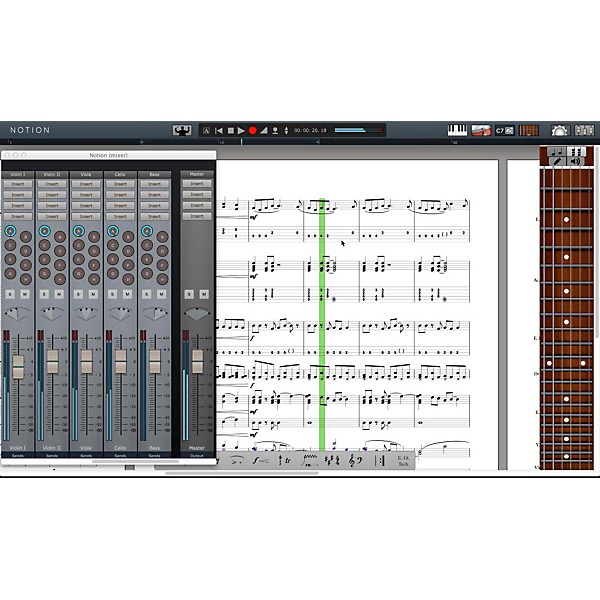
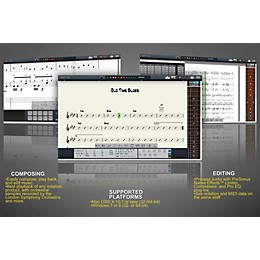
Notion gives you killer playback of any notation you score. The orchestral samples were recorded by the London Symphony Orchestra at Abbey Road Studios. Guitar samples were performed by Neil Zaza, bass samples by Victor Wooten, and drum samples by Roy œFutureman Wooten. Theres a wonderful Steinway piano, too. All were recorded by top engineers using the best equipment. You get a wide array of dynamics, articulations, and performance techniques.
Interactive Tools Make Entry Fast and Intuitive
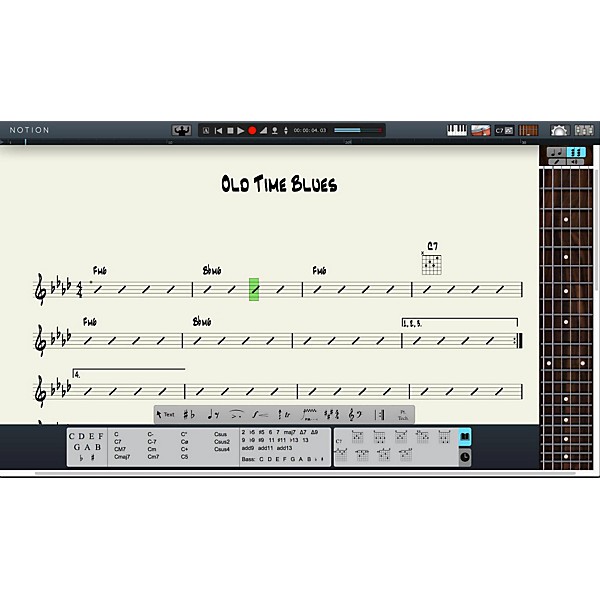
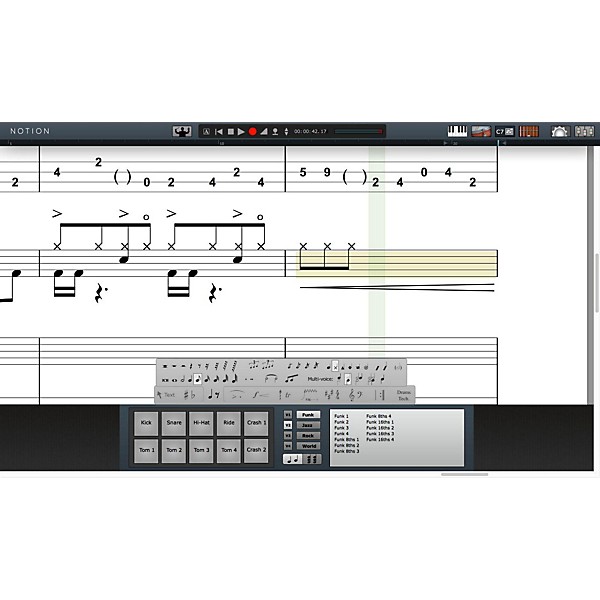
Enter notes with ease using Notion 5s interactive fretboard, keyboard, and drum pad. Choose chords from a generous chord library (enhanced in version 5), and create your own chords.
Truly Cross Platform
Create a score in Notion for Mac or Windows”then continue to work on it in Notion for iPad. Or start with the iPad and transfer to your Mac or Windows computer for in-depth editing. No other notation software can do this.
Plays Well with Others
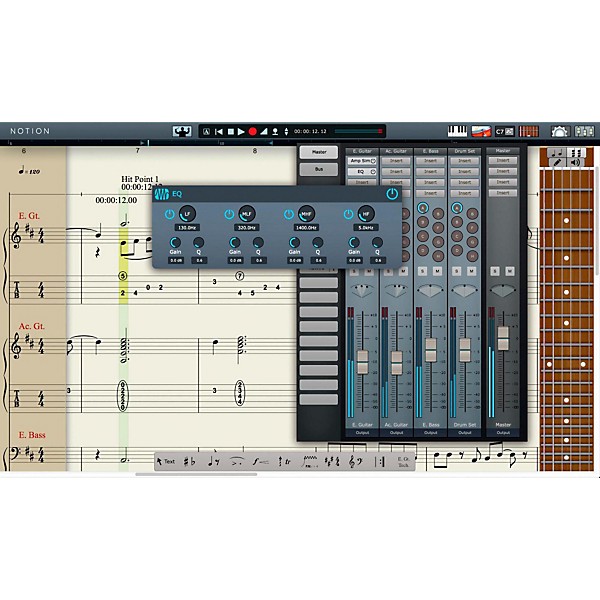
In addition to working well with VST instruments and transferring to and from iPad, Notion offers support for standard file formats”and ReWire.
Capture MIDI Parts and Edit Them with Your Score
Recording and editing MIDI data is easy in Notion. Viewing MIDI and standard notation together makes the experience special.
Every Bit Helps.
Notion 5 can run with 64-bit or 32-bit addressing on Mac and Windows. It works great with Windows 8 touchscreens and Mac Retina displays, too.
Score a Copy of Notion 5!
By now, you should have the notion that PreSonus Notion 5 is a fast, modern, efficient, easy-to-use, great-sounding notation program”and it's more affordable than much of its old-school competition.
PreSonus Notion is famed for outstanding playback sounds, speedy workflow, compatibility, and ease of use. It offers powerful features for scoring to picture. And it costs a fraction of what many of the slow, bloated, overcomplicated scoring programs cost. Thats why Notion 5 is a favorite notation software among composers, performers, producers, worship teams, arrangers, orchestrators, educators, and music students.
Hear Your Music Played by World-Class Musicians
Notion gives you killer playback of any notation you score. The orchestral samples were recorded by the London Symphony Orchestra at Abbey Road Studios. Guitar samples were performed by Neil Zaza, bass samples by Victor Wooten, and drum samples by Roy œFutureman Wooten. Theres a wonderful Steinway piano, too. All were recorded by top engineers using the best equipment. You get a wide array of dynamics, articulations, and performance techniques.
Interactive Tools Make Entry Fast and Intuitive
Enter notes with ease using Notion 5s interactive fretboard, keyboard, and drum pad. Choose chords from a generous chord library (enhanced in version 5), and create your own chords.
Truly Cross Platform
Create a score in Notion for Mac or Windows”then continue to work on it in Notion for iPad. Or start with the iPad and transfer to your Mac or Windows computer for in-depth editing. No other notation software can do this.
Plays Well with Others
In addition to working well with VST instruments and transferring to and from iPad, Notion offers support for standard file formats”and ReWire.
Capture MIDI Parts and Edit Them with Your Score
Recording and editing MIDI data is easy in Notion. Viewing MIDI and standard notation together makes the experience special.
Every Bit Helps.
Notion 5 can run with 64-bit or 32-bit addressing on Mac and Windows. It works great with Windows 8 touchscreens and Mac Retina displays, too.
Score a Copy of Notion 5!
By now, you should have the notion that PreSonus Notion 5 is a fast, modern, efficient, easy-to-use, great-sounding notation program”and it's more affordable than much of its old-school competition.
Features
- Fast and elegant, not choked with phenomenally obscure options
- Top quality playback voices
- Integrates beautifully with existing systems
- 64 or 312 systems
- Vast editing,printing and sharing options
Specs
Mac
- Mac OS X 10.7 or later (32-/64-bit)
- Intel Core Solo 1.8 GHz processor (Recommended: Intel Core 2 Duo 2 GHz or better)
- 2 GB RAM (4 GB or more recommended)
- 8 GB free hard-drive space
- Windows 7 or 8 (32- or 64-bit)
- Intel Pentium 4 2 GHz (Intel Core 2 Duo 2 GHz or better recommended)
- ?2 GB RAM (4 GB or more recommended)
- 8 GB free hard-drive space
Reviews
Be the first to review the Product
Q&A
Have a question about this product? Our expert Gear Advisers have the answers.
No results but…
You can be the first to ask a new question.
It may be Answered within 48 hours.
Be the first to know about exclusive offers, tips and more.

866-498-7882 English
877-687-5402 Español