


TubeDigitalBoards
.jpeg)

Pro Gear Advisers
•866-498-7882
Guitars
Guitars
Amps & Effects
Amps & Effects
Used & Vintage
Keyboards & MIDI
Keyboards & MIDI
Drums
Drums
DJ Equipment
DJ Equipment
Basses
Basses
Recording
Recording
Live Sound
Live Sound
Accessories
Accessories
Mics & Wireless
Mics & Wireless
Music Software
Music Software
Lighting
Lighting
Band & Orchestra
Band & Orchestra
Platinum Gear
Deals
Deals
New Arrivals
Brands
Brands
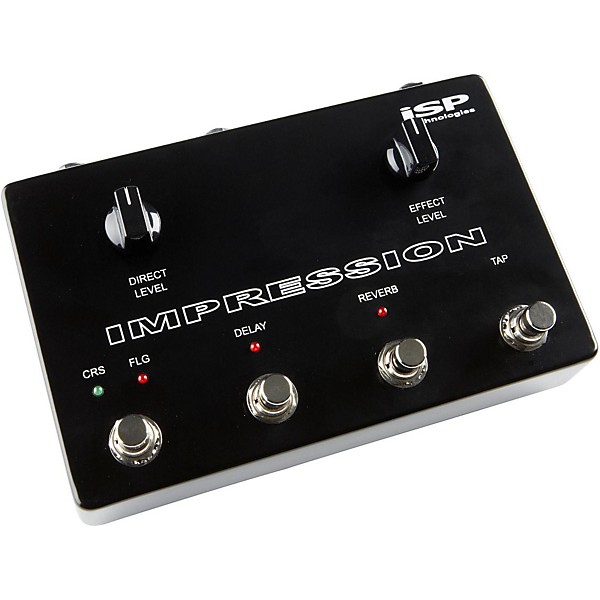
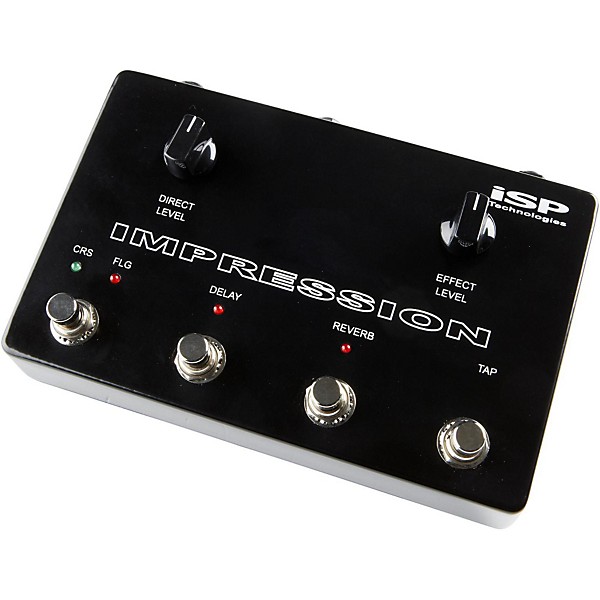
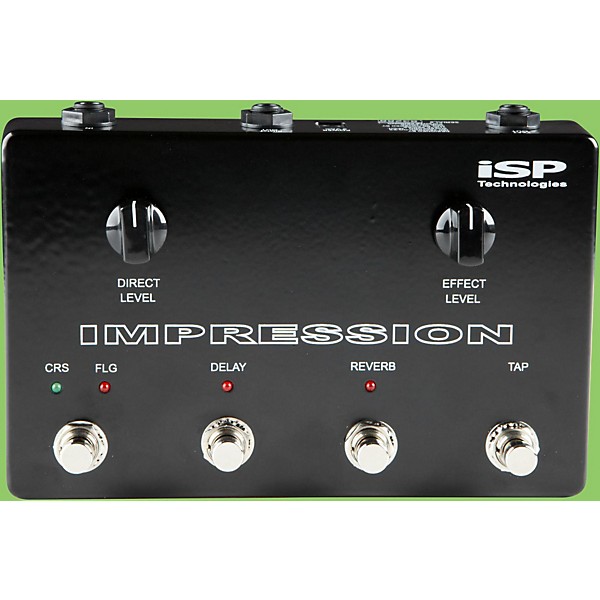
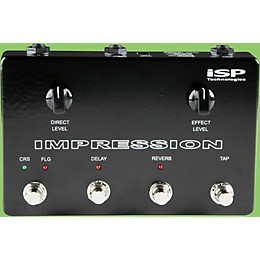
Isp Technologies Impression Stereo Multi Effects Pedal
$332.26

Need Help?

Description
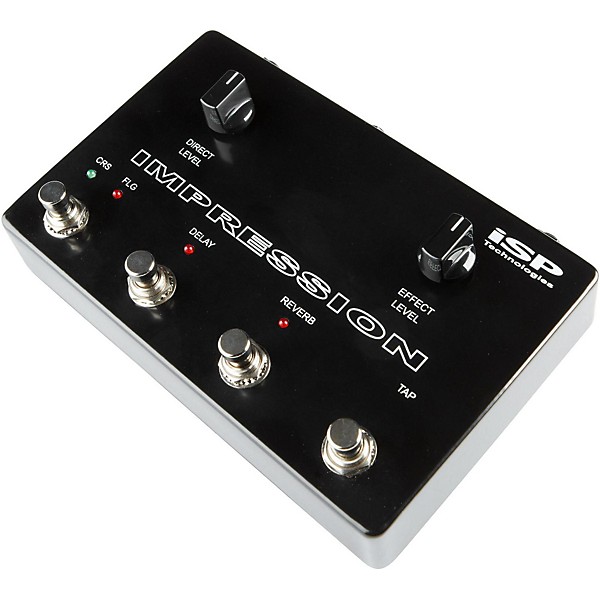
The Impression pedal offers ease of use with a direct level and effects mix level. The Impression pedal can be used in a series or parallel effects loop of an amplifier or inserted in line after a guitar preamplifier or distortion pedal.
The chorus/flange button switches on and off the selected effect; holding down the chorus/flange button will change the effect from chorus to flange or flange back to chorus. Two consecutive taps on the TAP button sets the modulation rate for the chorus or flange.
The delay button controls the delay effect. Holding the delay button down will change the amount of regeneration from a single delay to an increasing amount of regeneration. Two consecutive taps on the TAP button will set the delay time.
The reverb button turns the reverb effect on and off. Holding the reverb button down will change the mix of the reverb rela-tive to the level of the other effects, there are six different preset levels. This will allow the user to select the desired amount of reverb in the mix.
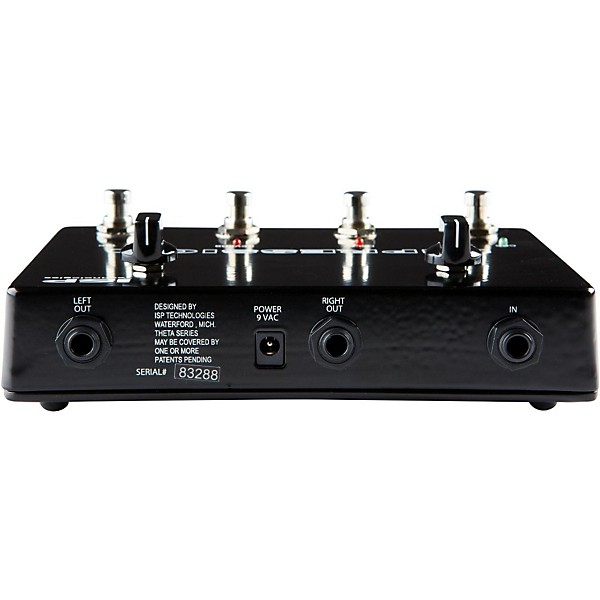
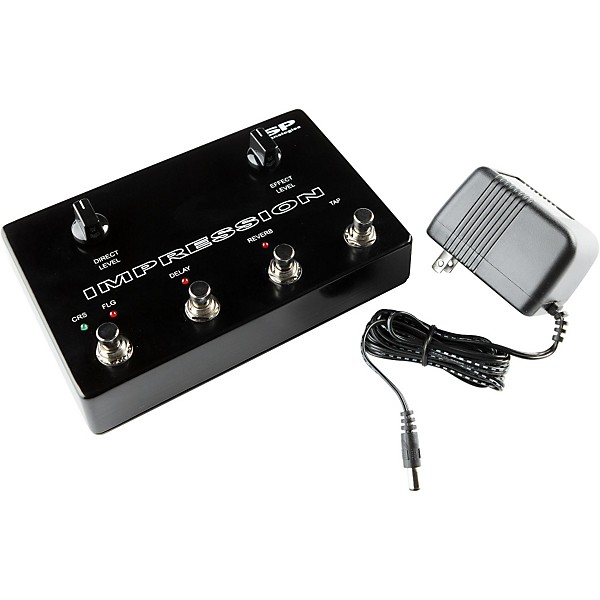
The Impression pedal uses an external 9VAC power adaptor with an internal voltage multiplier providing professional headroom with a +/- 15 volt power supply. The Impression incorporates a mono input and left/right stereo outputs. Add the Impression pedal to your rig and enjoy the quality effects you have been searching for.
The chorus/flange button switches on and off the selected effect; holding down the chorus/flange button will change the effect from chorus to flange or flange back to chorus. Two consecutive taps on the TAP button sets the modulation rate for the chorus or flange.
The delay button controls the delay effect. Holding the delay button down will change the amount of regeneration from a single delay to an increasing amount of regeneration. Two consecutive taps on the TAP button will set the delay time.
The reverb button turns the reverb effect on and off. Holding the reverb button down will change the mix of the reverb rela-tive to the level of the other effects, there are six different preset levels. This will allow the user to select the desired amount of reverb in the mix.
The Impression pedal uses an external 9VAC power adaptor with an internal voltage multiplier providing professional headroom with a +/- 15 volt power supply. The Impression incorporates a mono input and left/right stereo outputs. Add the Impression pedal to your rig and enjoy the quality effects you have been searching for.
Features
- Chorus, Delay, Reverb and Flange effects
- Direct level and effects mix level control
- Tap tempo controls rate of effect
- Mono input and stereo outputs
Reviews
Be the first to review the Product
Q&A
Have a question about this product? Our expert Gear Advisers have the answers.
No results but…
You can be the first to ask a new question.
It may be Answered within 48 hours.
Be the first to know about exclusive offers, tips and more.

866-498-7882 English
877-687-5402 Español