



TubeDigitalBoards


Pro Gear Advisers
•866-498-7882
Guitars
Guitars
Amps & Effects
Amps & Effects
Used & Vintage
Keyboards & MIDI
Keyboards & MIDI
Drums
Drums
DJ Equipment
DJ Equipment
Basses
Basses
Recording
Recording
Live Sound
Live Sound
Accessories
Accessories
Mics & Wireless
Mics & Wireless
Music Software
Music Software
Lighting
Lighting
- Popular Brands
Band & Orchestra
Band & Orchestra
Platinum Gear
Deals
Description
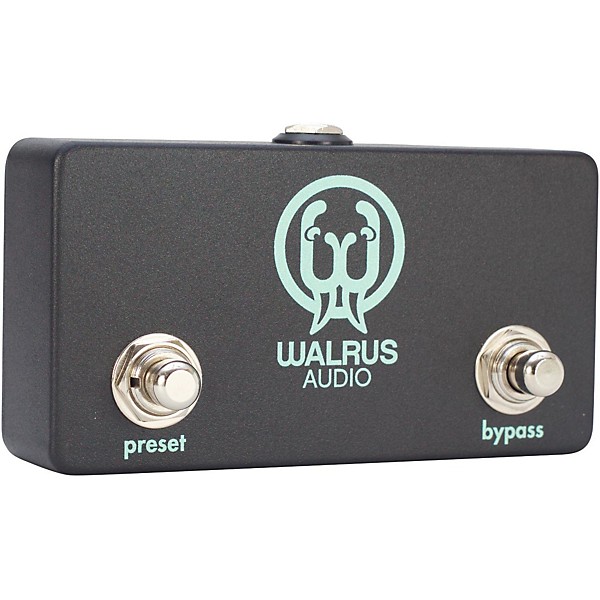
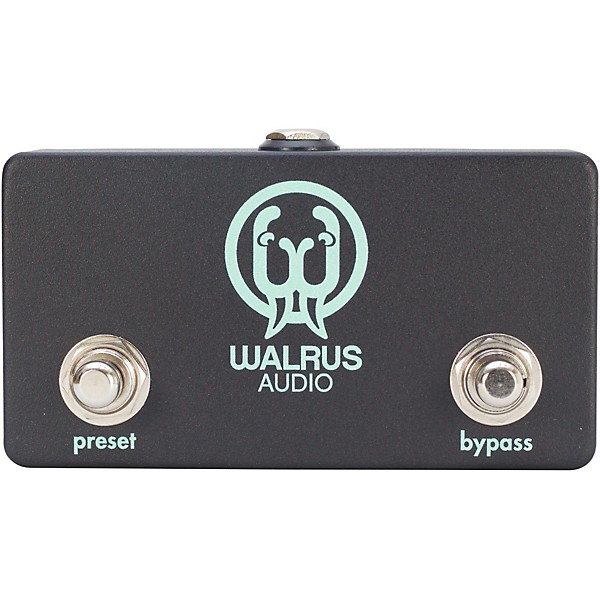
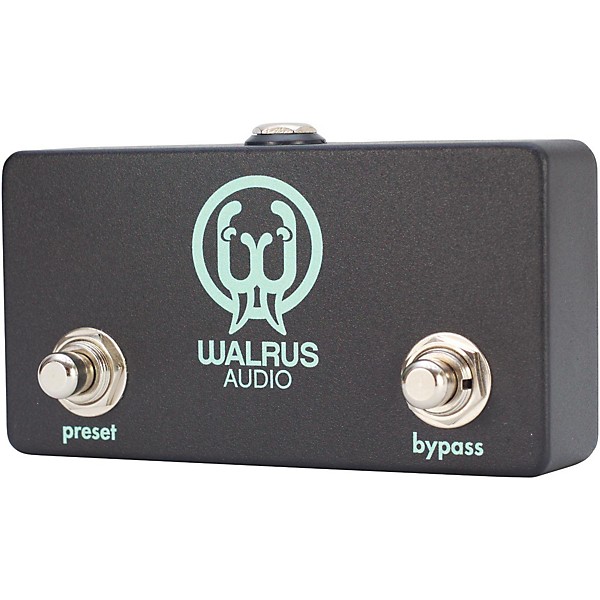
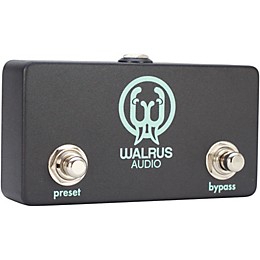
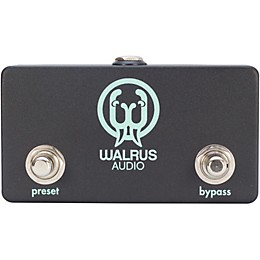
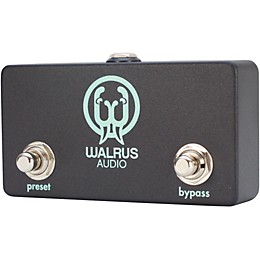
Use the 2-channel remote switch to control the Descent and Vanguard's two footswitches. This feature allows you to place the Descent at the back of your pedal board and run the small remote control switch to the front of your board, freeing up real estate on your board’s front row. To use the Remote option with this 2-channel remote switch, a TRS cable is required.
Features
- Preset Footswitch: Changes between presets
- Bypass Footswitch / Preset Save: Push down Bypass to turn the pedal on and off. To save a setting and add the setting to your bank of presets, hold the Bypass footswitch down until the ‘Preset’ LED flashes.
Reviews
Be the first to review the Product
Q&A
Have a question about this product? Our expert Gear Advisers have the answers.
No results but…
You can be the first to ask a new question.
It may be Answered within 48 hours.
Be the first to know about exclusive offers, tips and more.

866-498-7882 English
877-687-5402 Español