



DigitalPianistSynths


Pro Gear Advisers
•866-498-7882
Guitars
Guitars
Amps & Effects
Amps & Effects
Used & Vintage
Keyboards & MIDI
Keyboards & MIDI
Drums
Drums
DJ Equipment
DJ Equipment
Basses
Basses
Recording
Recording
Live Sound
Live Sound
Accessories
Accessories
Mics & Wireless
Mics & Wireless
Music Software
Music Software
Lighting
Lighting
- Popular Brands
Band & Orchestra
Band & Orchestra
Platinum Gear
Deals
Videos (2)
View All
KMI K-Board for Melodic Percussion

K Board performance

Description
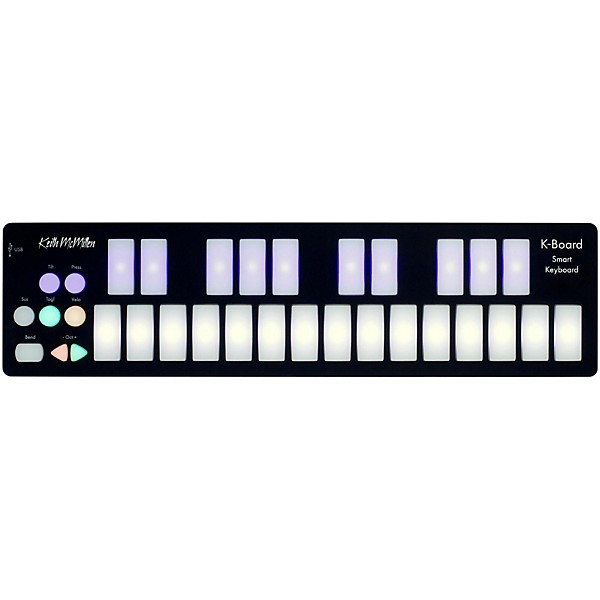
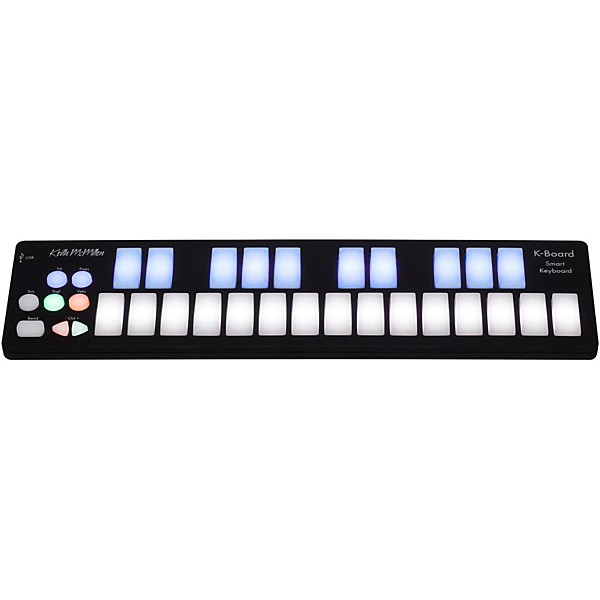
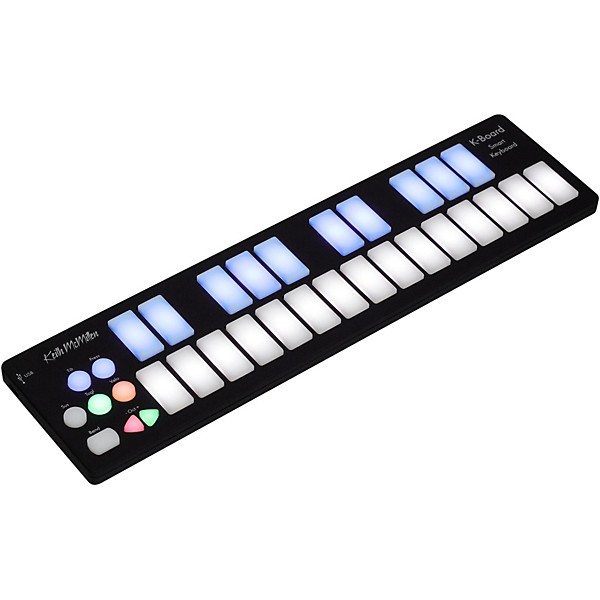
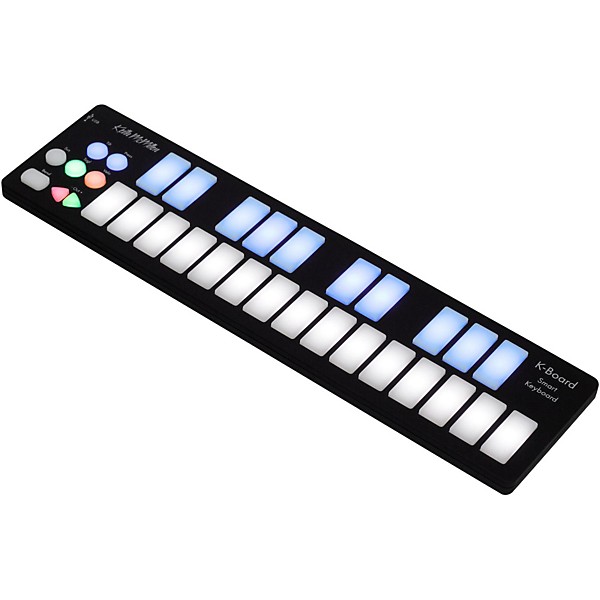
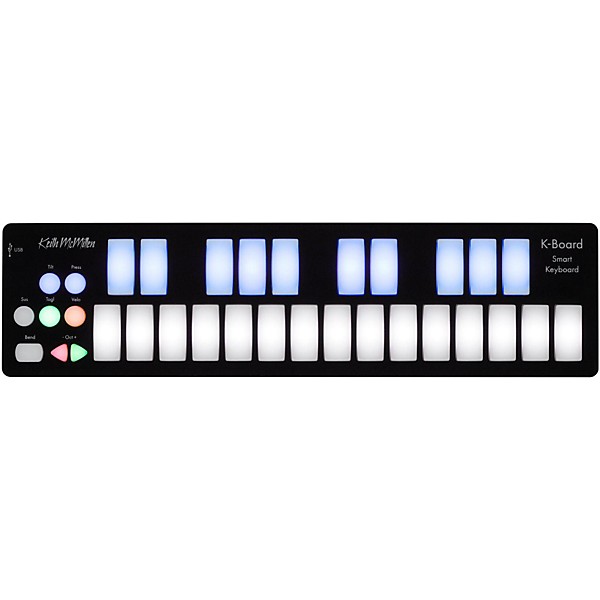
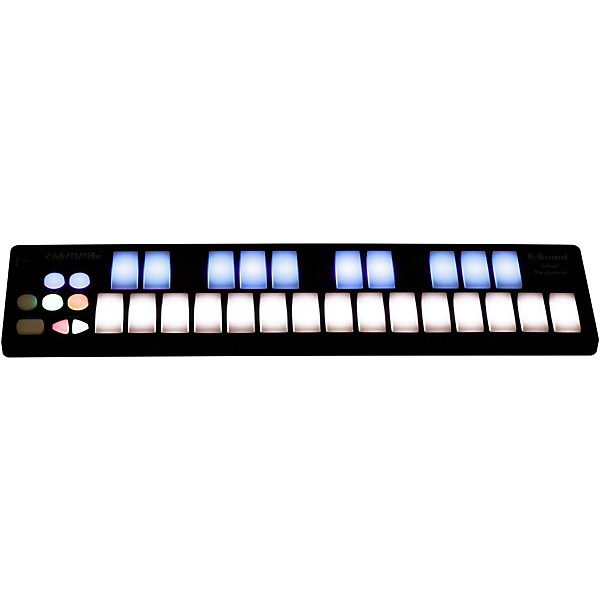
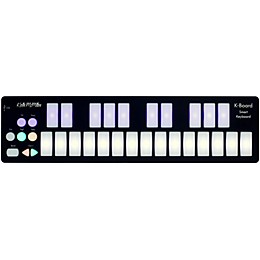
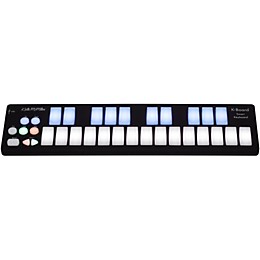
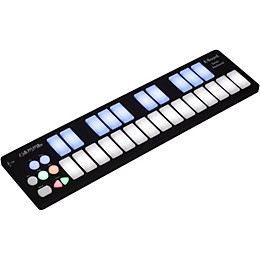
K-Board is an unbreakable, ultraportable USB MIDI keyboard that works out of the box with Garage Band, Ableton Live, or any music application. K-Board has been tested to survive being run over by a car, dropped from a 2-story building, and more -- all without breaking. The LED backlit, touch sensitive keypads ignite creativity and add musical expression by detecting your velocity, pressure, and finger tilt. Just pull K-Board out of your backpack, plug the USB cable into a computer or tablet*, launch any music app, and you're ready to make music at your home, studio, the stage, or on the go.
* appropriate adapter required for use with tablet
* appropriate adapter required for use with tablet
Features
- LED backlit, touch sensitive keys
- Ultra-durable and spill proof
- Mac, Windows, iOS, Android
- Plug & play with any music software

WARNING: Cancer and Reproductive Harm www.P65Warnings.ca.gov.
Specs
Included:
- 1. 1 K-Board controller
- 2. 1 USB cable (USB 2.0 A to Micro-B, 1 m)
- 1. Width: 12.8" / 325 mm
- 2. Depth: 3.3" / 84 mm
- 3. Height: 0.43" / 11 mm
- 1. 1.18" x 0.51" / 30 mm x 13 mm
- 1. 0.76 lb / 345 g
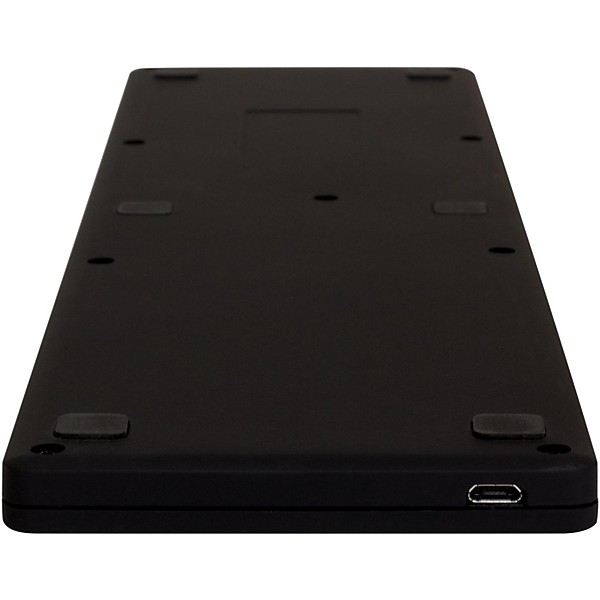
- 1. K-Board is bus-powered via the USB port when connected to a computer or tablet.
- Connections
- 1. USB micro jack
- 1. 25 Key pads with velocity, pressure, and tilt sensitivity
- 2. 2 octave switching buttons*
- 3. 1 pitch bend pad
- 4. 5 mode buttons (velocity, pressure, tilt, toggle, sustain)
- *K-Board defaults to a note range of 48 (C2) to 72 (C4). The octave buttons allow you to shift up another 3 octaves or shift down 2 octaves for a total range of 7 octaves (C0-C7).
- 1. 32 LEDs with 16 levels of brightness
Reviews
4.25
8 Reviews
75%
of respondents would recommend this to a friend

Filters
Best Uses
- Synth Controller1
- Concerts1
- Practicing1
- On-the-go1
Cons
- Difficult To Use1
- None1
Describe Yourself
- Professional Musician2
- Experienced1
- Novice1
Pros
- Easy To Use3
- Functional3
- Good Quality3
- Plug and Play1
- Intuitive Design1
Reviewed by 8 customers
Excellence
submitted7 years ago
byThreeBeard
fromDallas, TX
This K-Board is slim, and solid. They say you can drive a car over it.. I won't, I enjoy using it too much. I have it connected to my second iPad and it works with just about every music app I have.
Such a great keyboard I bought 2 !
submitted8 years ago
byThe Shadow Knows!
fromSan Diego, CA.
If you look on YouTube for this product, you'll see the Keith McMillen crew in a truck of about 6 guys run over this thing.... thump thump! Then they plug it in and IT STILL WORKS! Not that I'd recommend doing that but it just goes to show you how durable these little backpack keyboards are. --- I got my 1st one used & it worked great. Then I wanted a 2nd one so I could have a 4 octave desktop keyboard & that idea worked too! They pretty much can fit right next to each other. --- The K-board has more features than I use. I just keep the velocity on all the time & that's it. They make a more expensive one but I don't need all the extras. A laptop, some good music software & this thing will let you write music anywhere! --- I also have the Quneo controller which got beer spilled on it & thrown out a 2nd story window & it still work... in the YouTube video that is. --- The only problem I encountered with this was the new 2nd one, a key was sticking. Returned it & got a good replacement. Guess it needed to be run over by a truck first, to be 'broken in' (pun intended!)
Difficult to push keys down, item was returned
Verified Buyer
submitted8 years ago
byspoondan711
fromsouth bend, indiana
Attractive simple design, and admittedly rugged. But quite difficult to press keys down, I was reduced to playing one note at a time in order to have any accuracy at all.
WORKING ON-THE-GO? BUY NOW!
submitted10 years ago
byJonny H.
fromTulsa, Oklahoma
I've always had a soft spot for portable midi controllers, as I frequently have song ideas while out and about. I've tried several portable controllers from several companies, and I guarantee you that this is the absolute best of the best. I haven't been this excited about new gear in years. Professionals: Two things to add to the awesome build quality, intuitive features, and the rest: This is fully class-compliant, and it also RECEIVES messages. That means you can do things like change a latched arp on-the-fly without interrupting the pattern. I've NEVER seen another controller that does that - not even full-sized.
Amazing keyboard with a fatal flaw
submitted10 years ago
byJeremy
fromlos angeles ca
The keyboard construction feels great; the pads feel nice, the controller has a rubber matted feel, its simply built great. The functions worked well right out of the box, I have a 15in macbook pro retina using it with ableton live 9 and it worked perfectly; just plugged and played. As I was playing with it I noticed I could only go down a couple octaves and up a couple octaves. I scrambled for an answer and then found it on the website; it CAN ONLY go down 2 octaves and up 3 octaves. I contacted the companies support and they told me its probably for playing purposes. (fast replies by the way) I don't really play the keys so I cant really understand if this really helps playing it better but what I really don't get is why there is not an option to go up and down ALL the octaves, it really does not make sense, hopefully they will change the firmware as they go along. I use it to trigger samples in ableton and I literally can have 100+ samples needed to be triggered whenever I need to, not being able to control all of them makes the controller only partially usable for me. Until they fix the octave issue I cant recommend it for sample based control
Melodic percussion on iPad mini with Garageband and K-board
submitted11 years ago
byBill
fromCincinnati, Ohio
My son plays melodic percussion at school, and I thought this would be a great way to allow him to practice quietly at home. Using the Garageband sampler/recorder, I recorded samples of various melodic percussion instruments (glockenspiel, xylophone, vibraphone, marimba, celesta, etc.) from my Casio keyboard/synth. So, now he can play any of these virtual instruments with his K-board through Garageband, with his headphones plugged-in. He loves it. His music teacher was impressed with this implementation. The pads are a bit small when compared with a glockenspiel, but practicing on this will sharpen up that accuracy. We were also messing with these for drum sounds. It took me a minute to remember that kick and snare are toward the lowest end of the keyboard, so we had to decrease the octave a time or two to get to the kick and snare midi notes. Otherwise, no issues whatsoever. Great deal on a great piece of equipment. I throw the K-board with iPad connector kit, USB cable, and iPad mini in a small laptop sleeve, and he's good to go!
Q&A
Have a question about this product? Our expert Gear Advisers have the answers.
No results but…
You can be the first to ask a new question.
It may be Answered within 48 hours.
Be the first to know about exclusive offers, tips and more.

866-498-7882 English
877-687-5402 Español